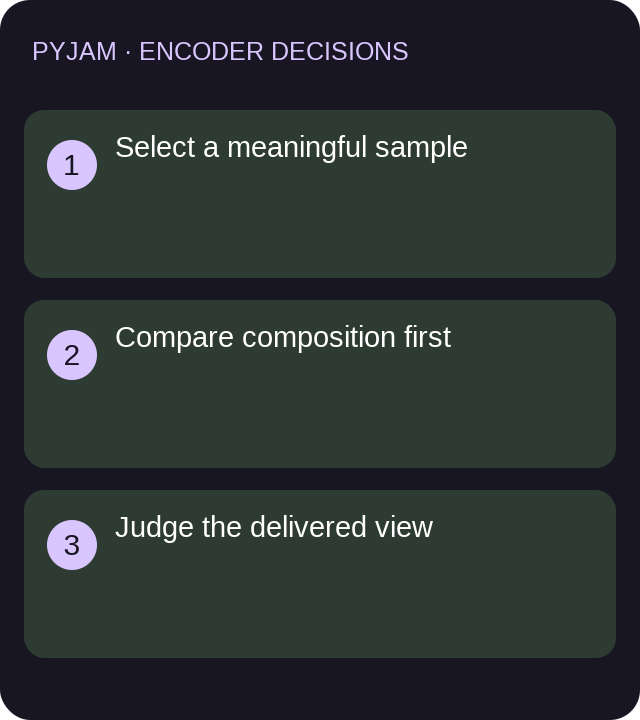
Select a meaningful sample
Use the actual slide, application or object label. Mark a word as the test detail and show it at its intended size. Do not enlarge it for rehearsal then shrink it for broadcast. Record the viewer device. Readability on a production monitor can conceal a poor phone experience, particularly when the subject occupies little of the frame.
Compare composition first
Remove empty margins, simplify the slide or show one panel. These may help more than a larger output picture. Follow encoder and destination guidance if changing resolution, preserving old settings. Keep content identical for comparison. A sharp background cannot compensate for an essential label that remains too small, and resolution should not hide a composition problem.
Judge the delivered view
Ask someone to read the detail without your spoken hint. Test ordinary page view before an exceptional crop. If it fails, explain the essential words aloud and offer suitable text where available. Choose for the lesson rather than claiming one size suits every screen. Repeat the audience check after changing the layout so the decision rests on a visible result.
Readability worksheet
List smallest label, ordinary sentence and moving pointer. Mark each readable, uncertain or unreadable on the tested device. Note layout separately from output size and repeat the failed detail. Keep a text explanation when exact wording matters.
Try the check in Pyjam
Open Pyjam’s preparation route and inspect the available setup before choosing to broadcast. Use the rehearsal above to decide what to check; opening the app alone does not start or confirm a public session.
Prepare a Stream in Pyjam