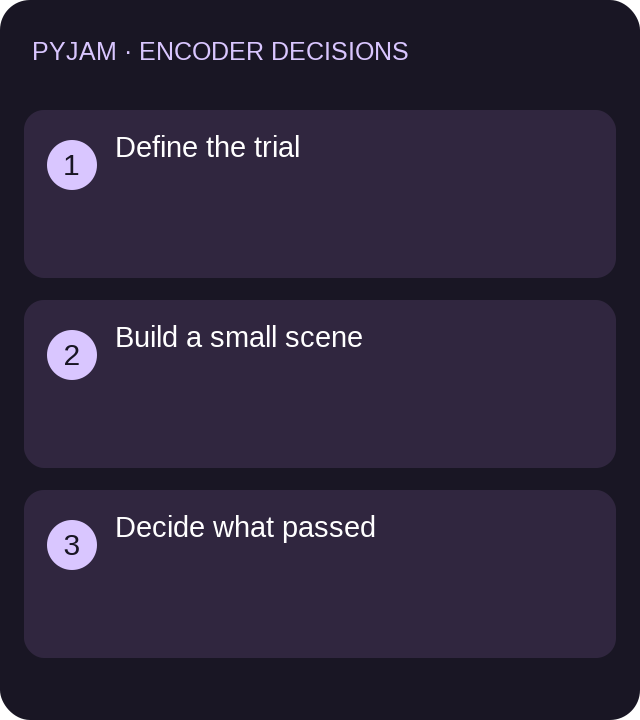
Define the trial
Choose a camera explanation, one application or a demonstration. OBS's official quick-start guide introduces the Auto-Configuration Wizard. Treat its result as a starting configuration to evaluate. Write the destination separately. Preparing OBS does not establish that another service accepts encoder input or that your account can broadcast there. Keep that requirement unresolved until checked.
Build a small scene
Use only sources needed for the trial. Include an introduction and the movement or screen detail that matters. Close private windows. Make a local recording before an intentional transmission. Watch it rather than relying entirely on the preview: arranging the picture and verifying the output are different tasks. Keep your sample short enough to repeat after a change.
Decide what passed
Check one visible detail and one complete sentence. Note anything missing or unexpectedly audible. When deliberately testing a destination, repeat through its viewer route. Keep local recording success and public playback as separate results. Start with a setup you can reproduce instead of adding unfamiliar sources during an important session. Preserve the configuration that produced the checked result.
Rehearsal card
Record purpose, OBS version, scene, output, recording result and destination requirement. Example acceptance: a viewer reads the label and repeats the instruction. Keep credentials out and use the same sample after each change.
Try the check in Pyjam
Open Pyjam’s preparation route and inspect the available setup before choosing to broadcast. Use the rehearsal above to decide what to check; opening the app alone does not start or confirm a public session.
Prepare a Stream in Pyjam