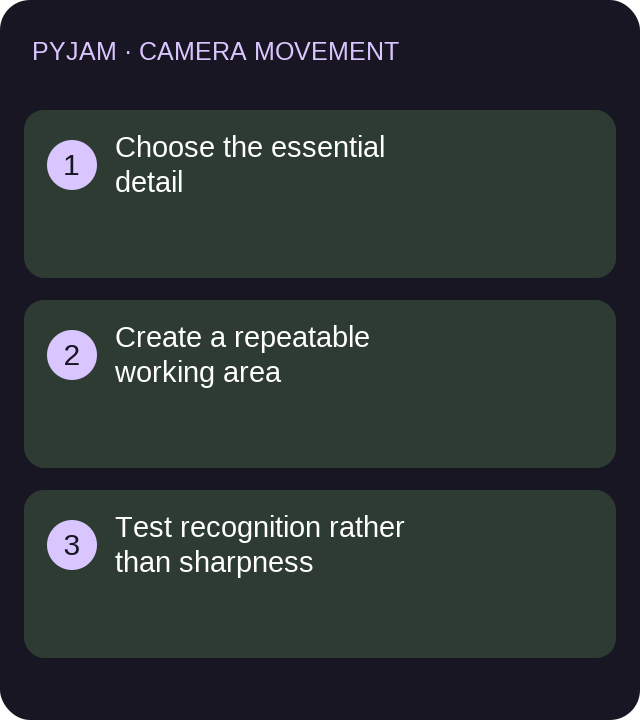
Choose the essential detail
Name the action the viewer needs to follow: a fold, brush stroke or connector position. Remove unrelated objects from that part of the table. Check whether your hands block the detail you describe. Use contrasting materials you already have rather than buying a camera before testing the arrangement. The important question is what the audience can distinguish.
Create a repeatable working area
Place the object where the picture remains readable and mark that position outside the visible area. Bring each step back to the same place. Hold completed work still before moving on. If a tool needs both hands, arrange camera support first so you do not have to balance the phone during the action.
Test recognition rather than sharpness
Ask someone to describe what changed between two steps without using your explanation as a hint. If they guess incorrectly, enlarge the view, change the angle or repeat more slowly. A crisp background does not compensate for an obscured task. Note the arrangement that worked so the next demonstration starts consistently instead of repeating the same positioning problem.
Try the check in Pyjam
Open Pyjam’s preparation route and inspect the available setup before choosing to broadcast. Use the rehearsal above to decide what to check; opening the app alone does not start or confirm a public session.
Prepare a Stream in Pyjam