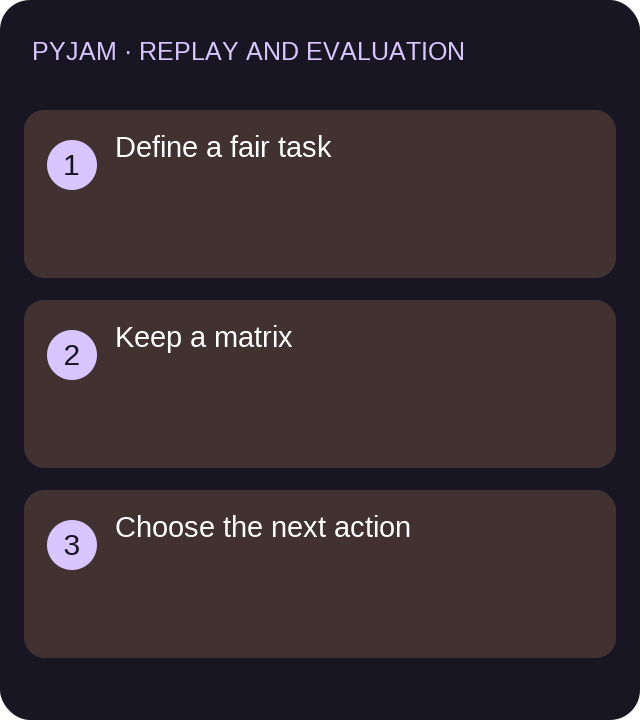
Define a fair task
Find an English explanation, open a known public item or check captions. Use comparable content and note differences. Do not attribute every contrast between unrelated scenes to the service. Read official requirements for essentials. Set criteria beforehand instead of redefining success to favour the first platform that happens to show an attractive example.
Keep a matrix
Record route, item status, language, account prompt and result. Untested fields remain unknown. One account does not prove all-market access. Keep pricing and eligibility sources dated and separate. A failed video is not necessarily a platform-wide failure, and free viewing does not establish every creator requirement or future cost. Preserve those distinctions when reviewing the results.
Choose the next action
Name the difference that matters and repeat the important task on the preferred candidate. Explore Pyjam through its actual app route without assuming channel imports or simultaneous broadcasts. State conditions and open questions instead of a permanent universal winner. Keep official feature information, observation and preference separate so the conclusion remains understandable when another viewer has different needs.
Trial matrix
Use platform, task, item, account context, result and unresolved requirement. Example: replay opened and English speech was understandable on this device. Keep item links for later comparisons. This is stronger evidence than unchecked features while narrower than a recommendation for every person, market and type of broadcast.
Try the check in Pyjam
Open Pyjam and choose an available public video. Apply the viewing check above to that item, keeping its live or recorded status in mind. Availability and controls should be checked in the current session.
Explore Live Streams in Pyjam