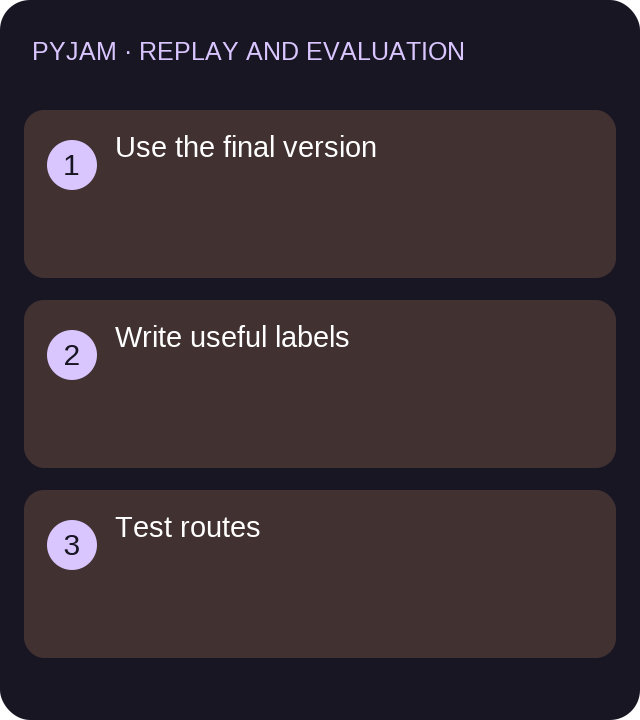
Use the final version
Check start and duration. Do not copy pre-edit positions without testing. List topic changes rather than every pause. Keep plain text if native chapters are unavailable. Remove planned sections skipped live. A running order documents intention; an index documents what viewers can actually find. Preserve the version link so those two documents remain distinguishable.
Write useful labels
Name the question or action. Check nearby context before choosing the time. Avoid vague best-bit headings. Include a correction when a segment contains an error clarified later. A new viewer should understand the label without knowing your internal stage names. Do not use an isolated dramatic phrase if it misrepresents the qualification in the surrounding explanation.
Test routes
Follow first, middle and final notes from where viewers read them. Check meaningful context. Use approximate positions if links are unavailable. State recording version. Do not promise chapters or a replay where absent. Repeat affected checks after edits change timing. Keep the plain-language label useful even if a service later changes how it handles timestamp links.
Chapter form
Use time, topic, preceding context and correction. Example: assembly detail, marked edges, reference side shown first. Keep recording link and version nearby. A short checked index is better than many unchecked positions, and approximate times should be described as such rather than presented as frame-accurate cuts.
Try the check in Pyjam
Open Pyjam’s preparation route and inspect the available setup before choosing to broadcast. Use the rehearsal above to decide what to check; opening the app alone does not start or confirm a public session.
Prepare a Stream in Pyjam