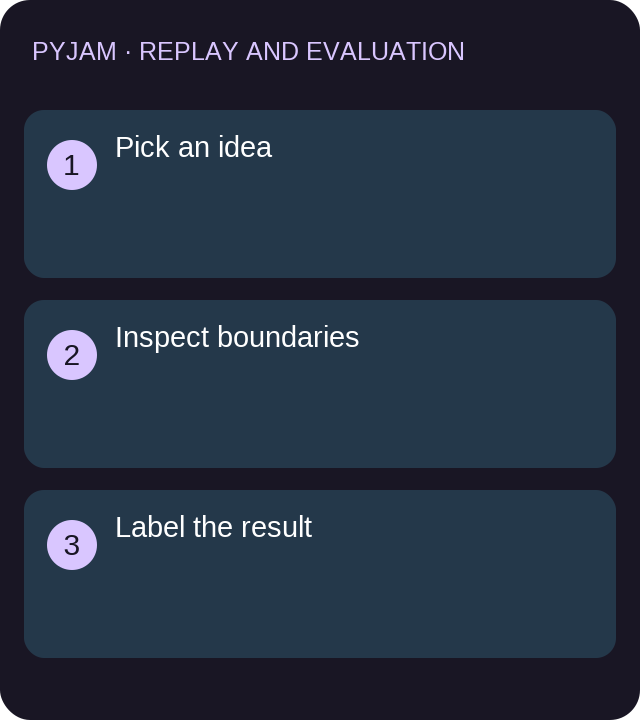
Pick an idea
Use a question, action or observation with a result. Include setup identifying the subject. Avoid sentences whose meaning changes without the following line. Check rights and participant agreements. A recording's existence does not settle reuse. Keep your own material and contributions from others distinct when deciding what you are entitled to edit or publish elsewhere.
Inspect boundaries
Watch surrounding context for jokes, qualifications or corrections. Add plain labels where needed. Check whether a crop hides the person or object explaining the action. Reject an edit that changes meaning even if dramatic. A good excerpt can be concise while retaining the relationship needed to understand why the speaker reached that conclusion or took that action.
Label the result
Describe recording or excerpt honestly. Keep a session reference where useful. Recheck captions after editing. No Pyjam clipping or export tool is promised here; use actual available controls. Keep a planned publication distinct from a prepared checked clip. An original live title should not be carried over unchanged if it makes the shorter recording appear to be currently transmitting.
Clip brief
Write source, opening context, idea, result, omitted qualification, rights check and label. Reject missing context that changes meaning. A viewer should understand the excerpt without an avoidable misunderstanding and be able to distinguish it from the full session or a new live event.
Try the check in Pyjam
Open Pyjam’s preparation route and inspect the available setup before choosing to broadcast. Use the rehearsal above to decide what to check; opening the app alone does not start or confirm a public session.
Prepare a Stream in Pyjam