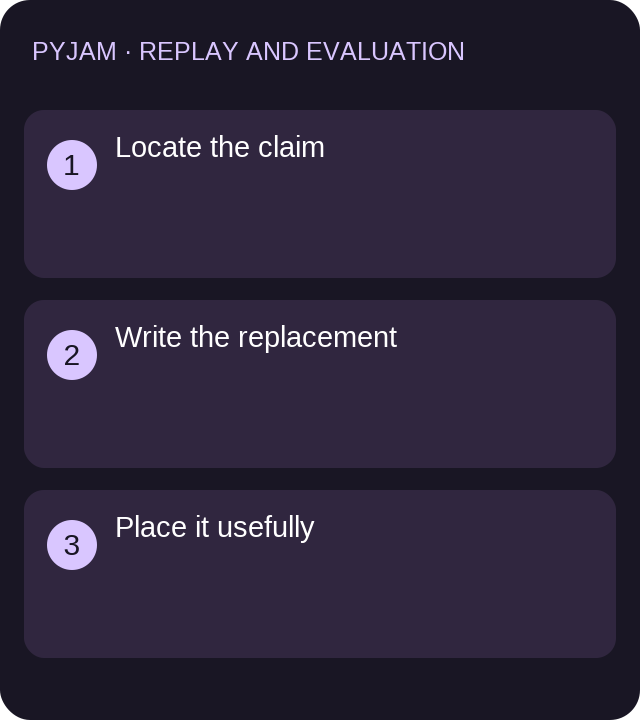
Locate the claim
Record subject and approximate moment in your words. Separate error from changed opinion. Verify replacement through an appropriate reliable source. Exclude private details. Avoid a vague announcement that some information changed. The reader needs to identify which instruction or conclusion was affected without rewatching the whole session and guessing where the issue might have occurred.
Write the replacement
State what was said, what is correct and the practical difference. Keep uncertainty visible. Use suitable guidance for specialist claims instead of improvising certainty. Avoid adding unrelated unchecked assertions. A short factual correction is more helpful than a defence that repeats the error several times without making the replacement easy to find or apply.
Place it usefully
Use actual description or follow-up controls. Check context after any replay edit. Removal does not reach previous viewers. Retain a separate note and align later clips and chapter labels. Do not imply that changing one description corrects every earlier share. Review the audience route where people are most likely to encounter the mistaken point again.
Correction template
Use session, earlier claim, checked replacement, changed next step, source and date. Add a useful timestamp. The template organises communication; the replacement still needs its own subject-specific verification. Keep unresolved details explicit instead of making a partially checked correction sound complete.
Try the check in Pyjam
Open Pyjam’s preparation route and inspect the available setup before choosing to broadcast. Use the rehearsal above to decide what to check; opening the app alone does not start or confirm a public session.
Prepare a Stream in Pyjam