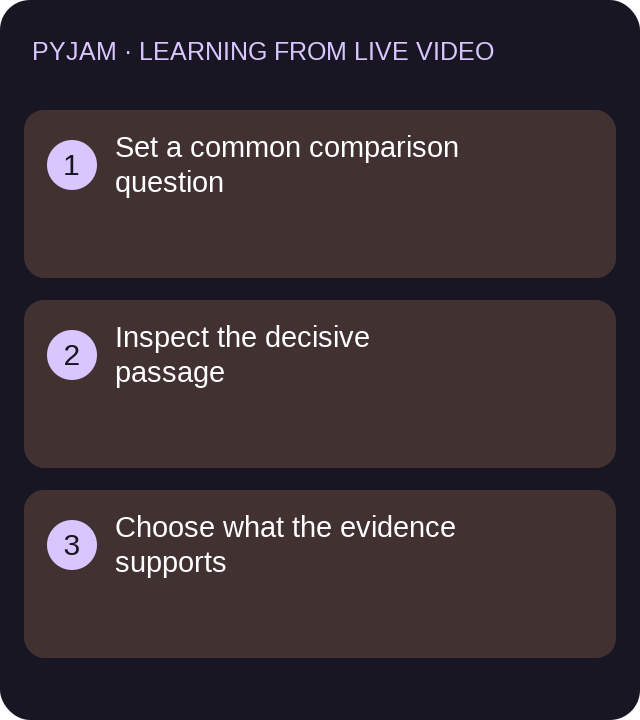
Set a common comparison question
Write what a useful explanation must help you understand. Identify the relevant starting state and the result you want to evaluate. Choose two permitted sessions and record their actual addresses. Keep popularity, running time and visual polish separate from instructional usefulness. A shorter explanation may omit preparation because it assumes experienced viewers; a longer one may cover a different task rather than provide a better answer to yours.
Inspect the decisive passage
Find the section where each presenter explains the main choice or action. Note whether the reason is spoken, shown clearly and connected to an observable result. Compare the assumptions before declaring the methods contradictory. Different equipment or materials can justify different steps. Avoid taking two isolated quotations out of context or repeating a consequential instruction as correct merely because both presenters say it.
Choose what the evidence supports
Use the explanation that fits your task and makes its limitations clear. Keep unresolved disagreements as questions for an appropriate authoritative source. W3C's description guidance supports communicating essential visual information, but does not certify either presenter's expertise. This worksheet does not establish that Pyjam or another platform ranks lessons by accuracy. Your result should explain why a specific passage is useful, with the relevant context, instead of naming one creator universally best.
Explanation comparison table
Use session, starting assumptions, decisive passage, shown result, spoken reason and unresolved question. Example: one tutorial begins with a calibrated tool while the other explains calibration first. Record that difference before comparing the next action. The more suitable introduction depends on your actual starting point, not only on which video reaches the final picture sooner.
Try the check in Pyjam
Open Pyjam and choose an available public video. Apply the viewing check above to that item, keeping its live or recorded status in mind. Availability and controls should be checked in the current session.
Explore Live Streams in Pyjam