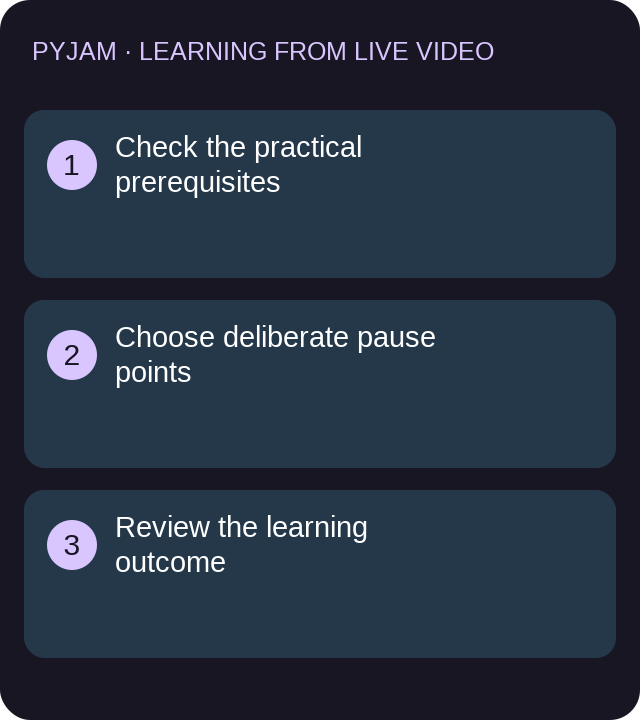
Check the practical prerequisites
Read the creator's material list and identify what you actually have. Distinguish essential equipment from optional alternatives. Keep task-specific safety and professional guidance from appropriate sources; a general viewing guide cannot supply it. Arrange your workspace so you can see the screen without repeatedly losing the place in your own work. Do not begin a consequential action merely because the presenter makes it look quick or easy.
Choose deliberate pause points
During a replay, use permitted pause and seek controls to finish one step before continuing. During a live stream, decide whether to watch first and practice later rather than rush to match the presenter. Note any point where your material or result differs. Avoid treating that difference as a failed tutorial immediately: your starting conditions may not match the demonstration. Keep questions tied to the exact step and visible result.
Review the learning outcome
Compare your result with the explanation's stated purpose and identify what you can now repeat independently. A completed object or screen output does not prove that you understood every decision. If a step remains unclear, return to the relevant passage or seek an appropriate clarification. This plan does not establish that every platform retains a replay, offers pauses during live delivery or provides the same lesson in English. Check those practical conditions before depending on them.
Follow-along preparation card
Write task, essential materials, expected starting state, pause points and observed difference. Example: the presenter uses a prepared component while yours still needs assembly. Watch that section first and schedule the preparation separately. Record what you need to resolve rather than skipping ahead and describing an incomplete attempt as a finished learning result.
Try the check in Pyjam
Open Pyjam and choose an available public video. Apply the viewing check above to that item, keeping its live or recorded status in mind. Availability and controls should be checked in the current session.
Explore Live Streams in Pyjam