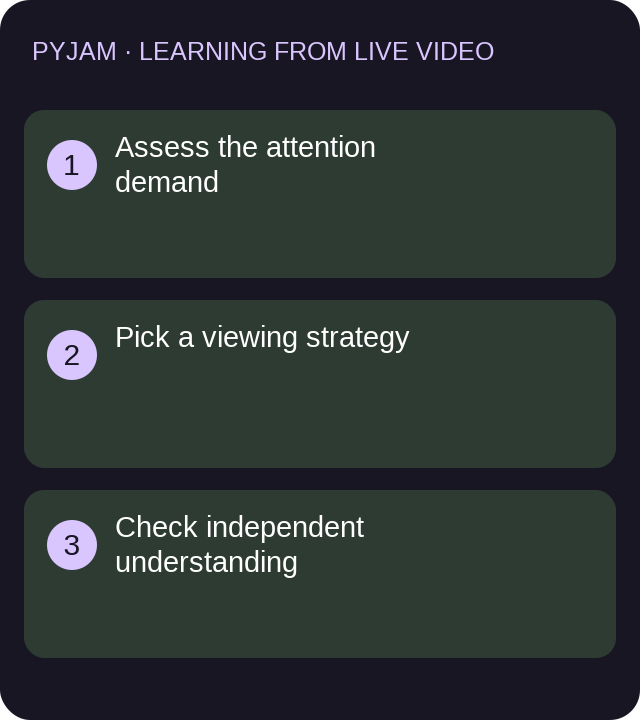
Assess the attention demand
Identify whether the task requires reading small labels, hearing detailed instructions or handling materials. Notice how quickly the presenter moves between actions. If you must look away for a long interval to perform a step, you may miss an important condition. Check whether a replay or supporting text is actually available; do not assume you can recover the explanation later from every live service.
Pick a viewing strategy
For a fast or unfamiliar process, watch the sequence once while noting the main decisions. Practice from a permitted replay or verified instructions afterward. For a simple familiar task, follow along only at a pace that preserves understanding. Keep any safety-sensitive practice within appropriate guidance and competence. The presenter may be demonstrating a prepared example, so matching their speed is not a meaningful measure of your own learning.
Check independent understanding
After the explanation, describe the order and the reason for its key choices without relying only on memory of hand movements. Identify what requires another viewing. If the recording cannot be paused, choose an observational goal rather than forcing a rushed performance. This is a learning strategy, not a claim about a platform's teaching features. A useful stream is one that helps you understand the task; constant simultaneous activity is not required to make the viewing time worthwhile.
Attention plan worksheet
Record task novelty, essential visual detail, handling time, available replay and chosen strategy. Example: a small on-screen menu changes while you are looking down at equipment. Watch the menu sequence first and practice afterward. Keep the decision tied to the explanation's demands rather than a rule that every live lesson should be copied in real time.
Try the check in Pyjam
Open Pyjam and choose an available public video. Apply the viewing check above to that item, keeping its live or recorded status in mind. Availability and controls should be checked in the current session.
Explore Live Streams in Pyjam