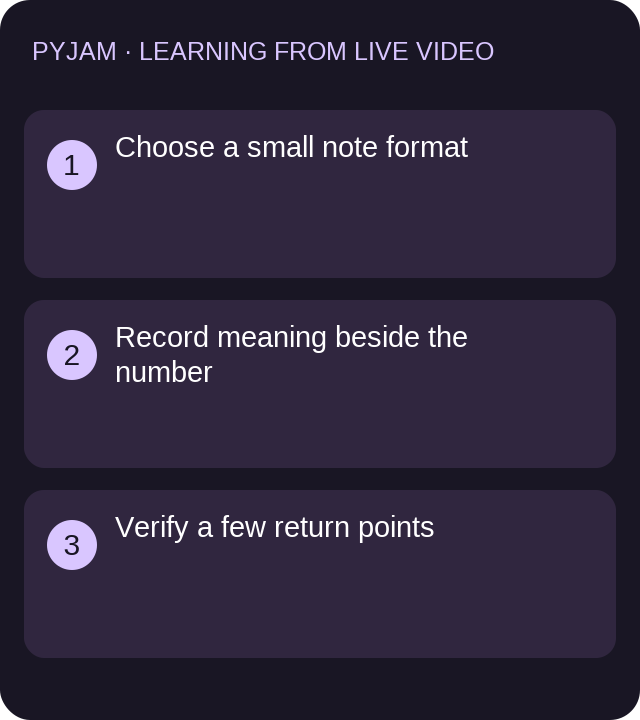
Choose a small note format
Write the recording address or current event identity at the top of your notes. For each useful moment, capture a time reference, the concept and a short description of what happened. Separate the player's elapsed time from the wall clock during a live session. A note such as ten past three can become ambiguous when the archive uses a different starting point or removes the opening interval.
Record meaning beside the number
Describe the actual explanation or movement, not only the timestamp. Note an uncertain term as uncertain rather than inventing its spelling. If the programme is live, focus on understanding the next step instead of transcribing every sentence. A creator-provided transcript can support later navigation, but confirm that it belongs to the recording you use. Text and timestamps from an edited version may not match the original stream.
Verify a few return points
After the session, use the available player controls to revisit the most important notes. Check whether the chosen time leads to enough context before the action. Revise the reference if the recording starts differently. This personal note method does not promise automatic timestamp links in Pyjam or another service. Keep copyrighted speech in proportion to your permitted use and write your own concise explanations when preparing a summary for others.
Timestamp note template
Use programme address, version, time basis, time reference, concept and context sentence. Example: the note says why a camera angle changes as well as when it changes. If the replay is edited, search for that described moment and update the note. Keep the earlier reference identifiable rather than pretending the two versions share identical timing.
Try the check in Pyjam
Open Pyjam and choose an available public video. Apply the viewing check above to that item, keeping its live or recorded status in mind. Availability and controls should be checked in the current session.
Explore Live Streams in Pyjam