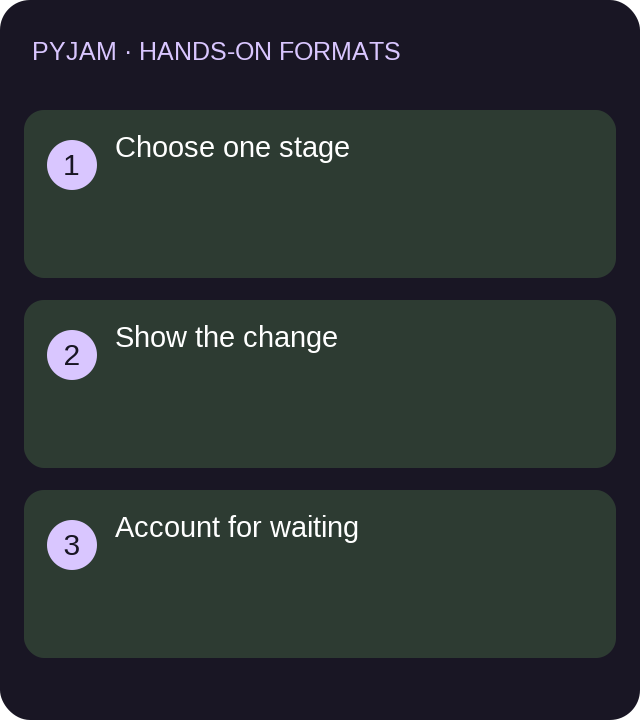
Choose one stage
Select a stage you already know. List ingredients, equipment and preparation completed before filming. Explain what is measured or prepared so viewers do not confuse preparation with live progress. Position the camera first. This presentation plan does not replace recipe-specific food handling or equipment guidance. Keep the scope small enough to explain without rushing through attention-intensive work.
Show the change
Choose a texture, shape or arrangement that reveals progress. Hold the result still and describe more than its colour. Keep phone and cables outside the working area. Rehearse where utensils go. Complete attention-intensive actions without reading messages, then return to questions at a suitable pause. The audience needs a clear explanation, not continuous conversation during every operation.
Account for waiting
Decide which intervals need explanation and which belong outside the segment. A visual cue alone does not establish food safety. Refer to the complete recipe for omitted steps. End with the actual result and identify work the stream did not show. If timing changes, explain the present stage instead of pretending a prepared example has just been completed live.
Cooking card
Write stage, preparation done, detail shown, attention-only moment, waiting interval and final state. Example goal: viewers can describe the visible change. Keep food-handling questions outside your knowledge separate from filming advice, and name what the example cannot demonstrate.
Try the check in Pyjam
Open Pyjam’s preparation route and inspect the available setup before choosing to broadcast. Use the rehearsal above to decide what to check; opening the app alone does not start or confirm a public session.
Prepare a Stream in Pyjam