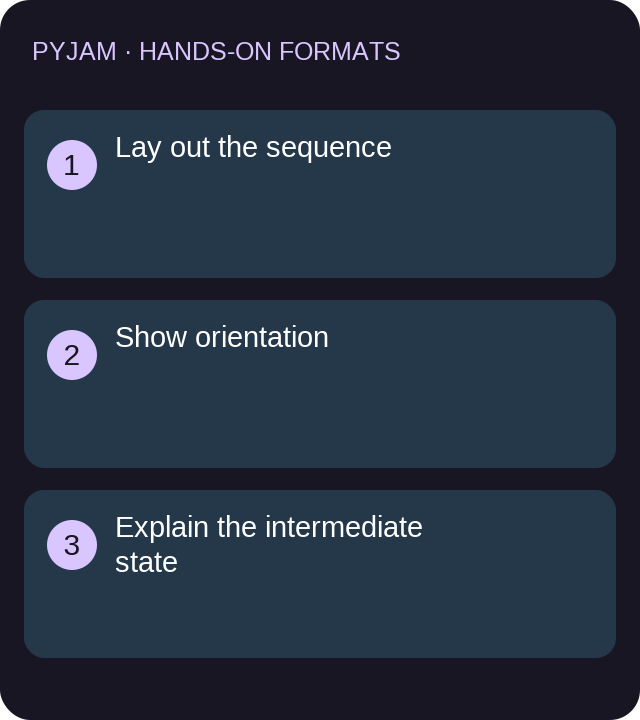
Lay out the sequence
Choose a section you can explain without rushing. Identify prepared pieces and earlier examples. Group parts with simple names. State the kit or instructions used. One assembly order is not suitable for every model or material. Leave space to show pieces while naming them and avoid searching off camera for items that should have been prepared before the explanation.
Show orientation
Hold parts still and identify reference features before joining. Use a wide view for orientation and a detail view for fit. Keep hands from obscuring the relationship. Follow product and tool instructions. Read questions after attention-intensive work. A clear presentation does not require talking continuously while operating a tool; a deliberate pause can protect attention and make the next explanation easier to follow.
Explain the intermediate state
Return to the reference angle. Identify anything unfinished or waiting. Inspect a poor fit rather than forcing it for pace. Distinguish observation from general instruction. End with the actual stage reached, naming work completed earlier. A prepared subassembly can clarify the result if its origin is transparent rather than presented as something assembled during an omitted live moment.
Workbench card
List subassembly, prepared parts, orientation feature, detail angle, attention-only action and final view. Use a harmless spare for camera rehearsal. The card organises presentation and does not replace kit, adhesive or tool guidance; viewers should understand the relationship before watching the join.
Try the check in Pyjam
Open Pyjam’s preparation route and inspect the available setup before choosing to broadcast. Use the rehearsal above to decide what to check; opening the app alone does not start or confirm a public session.
Prepare a Stream in Pyjam