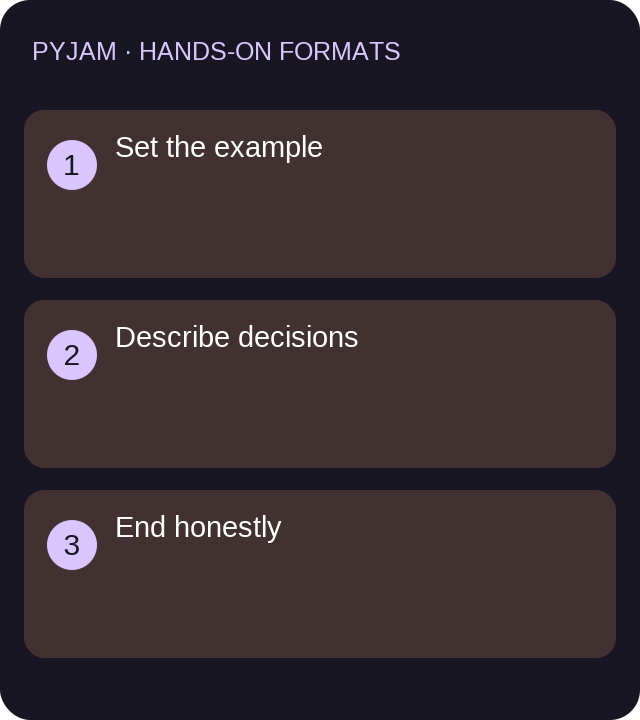
Set the example
Show paper size, palette and sample marks. Say whether the surface is already prepared. Position the camera so your hand does not hide each stroke. Rehearse the overhead view with real materials. Identify finished examples as prepared earlier. A face-to-camera check cannot show whether the working view reveals the mark you intend to explain.
Describe decisions
Name the area and effect you want. Pause with the brush clear after important strokes. Explain waiting time instead of leaving a motionless picture unexplained. Use value and position alongside colour, since displays vary. Keep a common reference area so viewers follow successive changes. Say when a choice is an experiment rather than suggesting every mark has a predetermined successful result.
End honestly
Show the current state, including wet or unfinished work. Do not imply every viewer should reproduce it at your speed. Ask which decision was unclear. Label later photographs as later versions, distinct from the live result. A useful ending can be an intermediate stage when its purpose and remaining work are explained clearly rather than hidden to create a polished impression.
Painting card
Write study, prepared surface, first mark, observation pause, waiting interval and ending state. Name what viewers should see and what you will explain for each. Keep the sample within the tested camera area and prepare an ending that works even if the painting remains unfinished.
Try the check in Pyjam
Open Pyjam’s preparation route and inspect the available setup before choosing to broadcast. Use the rehearsal above to decide what to check; opening the app alone does not start or confirm a public session.
Prepare a Stream in Pyjam