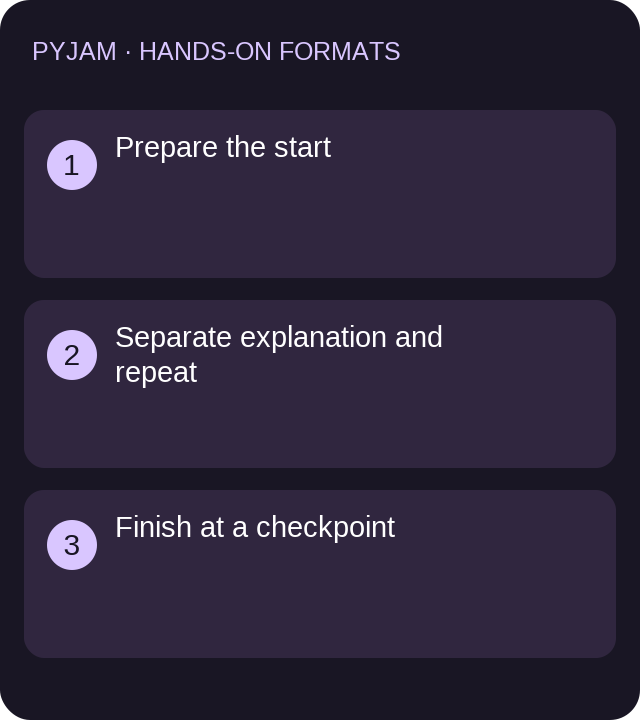
Prepare the start
Show yarn, needle arrangement and starting state. Label completed examples as prepared earlier. Choose a sample distinguishable in playback. Name the side facing the camera and the row reference. Do not assume every viewer shares your terminology. Show the relevant part still before starting so the first movement has a recognisable reference instead of becoming an unexplained blur of hands.
Separate explanation and repeat
Demonstrate slowly, hold the result still and explain the change. Then repeat at ordinary pace. Describe movement without relying only on left and right in a possibly mirrored picture. Allow practice pauses. A continuous demonstration can leave viewers unsure where their work diverged, even when the technique itself was performed correctly and the camera remained sharp throughout.
Finish at a checkpoint
Show the state after the repeat and what to compare. Ask where confusion began rather than diagnosing unseen work from a vague comment. Keep prerequisites in an available note. Finish by naming the demonstrated result instead of promising mastery. Return to a specific step when clarifying so the answer remains connected to something viewers can see.
Technique card
Write starting state, camera-facing side, action, result, inspection point and next step. Ask whether viewers identify the new structure, not merely moving hands. Keep this lesson bounded rather than unexpectedly expanding into an entire pattern whose preparation was never explained.
Try the check in Pyjam
Open Pyjam’s preparation route and inspect the available setup before choosing to broadcast. Use the rehearsal above to decide what to check; opening the app alone does not start or confirm a public session.
Prepare a Stream in Pyjam