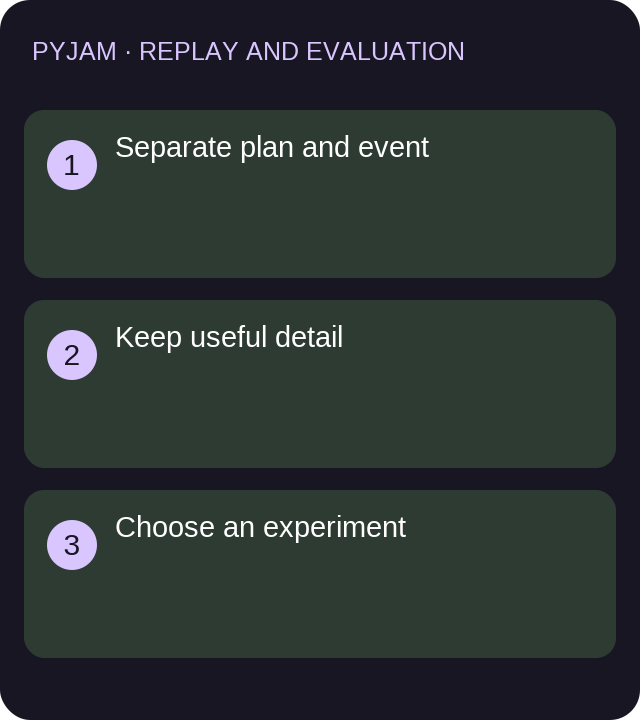
Separate plan and event
Keep intended stages beside actual events. Name a specific transition or unclear instruction. Say when viewer output was not inspected. Do not merge local impressions and audience evidence into one success. A planned improvement should remain marked as a proposal until a later session or rehearsal supplies a result, even if the explanation sounds convincing.
Keep useful detail
Record setup, moment and symptom. Exclude credentials, private messages and unnecessary personal information. A covered-object description can beat an unsorted screen recording. Keep evidence with a purpose and suitable permission. Include enough to reproduce the question without collecting unrelated viewer details or copying an entire conversation that contributes nothing to the production decision.
Choose an experiment
Move a label and ask a helper to read it, for example. Leave successful parts stable. Close with a result or unresolved status. Preserve the first observation. Do not rewrite history to make an untested suggestion look like a completed fix. A small repeatable comparison is easier to assess than a broad promise to make everything more professional next time.
Production form
Use planned stage, event, audience effect known or unknown, proposed change and test result. Add date and setup. Keep proposals and actions separate so another session can reproduce the question and determine whether the change helped rather than merely repeat a confident conclusion without its evidence.
Try the check in Pyjam
Open Pyjam’s preparation route and inspect the available setup before choosing to broadcast. Use the rehearsal above to decide what to check; opening the app alone does not start or confirm a public session.
Prepare a Stream in Pyjam