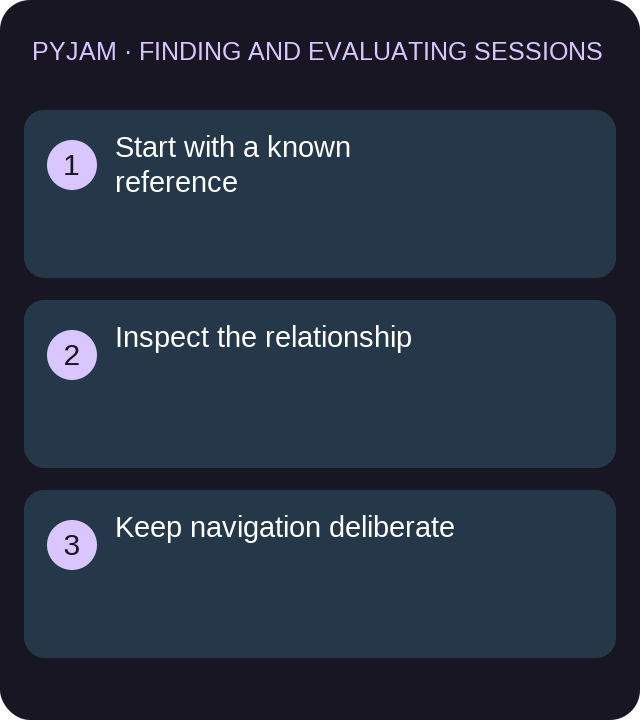
Start with a known reference
Use the creator's established public website or another previously verified official profile when available. Compare the destination address, handle and linked programme, preserving spelling differences rather than smoothing them away. A display name can be reused. A search result's title may also reflect old page content. Do not enter credentials into a destination merely because its visual identity resembles a service you recognize.
Inspect the relationship
Look for a direct public link from the known source to the intended channel or event. Compare the current topic and creator description as supporting context, not conclusive proof by themselves. If the sources conflict, keep the identity uncertain and use the creator's established contact or announcement route for clarification. Avoid collecting private information or treating audience size, a badge image or a paid promotion as independent identity verification.
Keep navigation deliberate
Once the intended route is established, retain the exact public address for future viewing. Recheck unexpected redirects or a changed handle through the known source. This process reduces confusion; it does not certify the creator's claims, guarantee the safety of every external link or establish that a platform has verified the account. Search operators can help find a public reference, but the relationship still needs checking on the actual sources rather than being inferred from proximity in results.
Creator reference card
Write known source, linked handle, event address, conflicting signal and confidence limit. Example: a familiar name appears on two profiles but only one is linked from the established website. Use the documented relationship. If neither link can be verified, label the destination a candidate and avoid presenting its programme as the creator's official session.
Try the check in Pyjam
Open Pyjam and choose an available public video. Apply the viewing check above to that item, keeping its live or recorded status in mind. Availability and controls should be checked in the current session.
Explore Live Streams in Pyjam