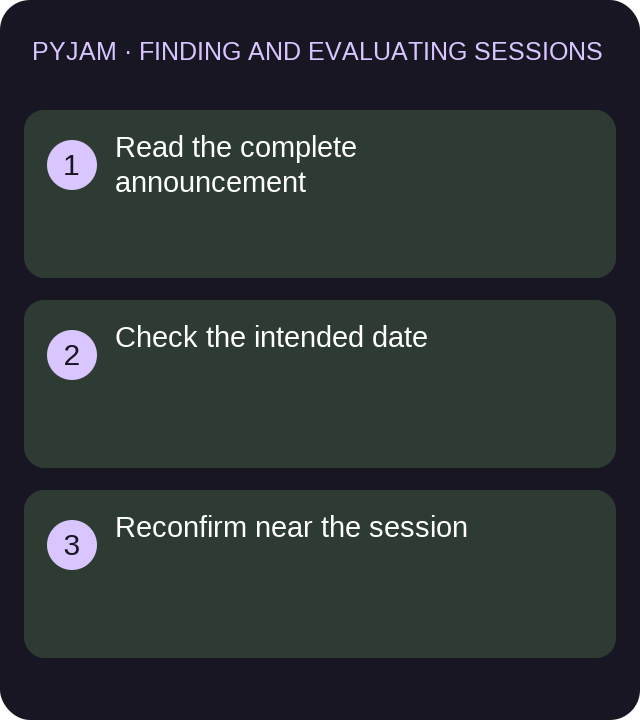
Read the complete announcement
Record the event name, calendar date, stated time and named zone or offset exactly as supplied. Distinguish the creator's written announcement from an automatically localized player label. If the event crosses midnight in your location, keep the local date explicit. Avoid assuming that a country's current clock offset applies to every future date; seasonal changes and regional differences can affect a conversion.
Check the intended date
Use a reputable time-zone reference with the actual event date where that is supported. Compare the result with any clear localized event display. If the source gives an abbreviation with several possible meanings, ask for clarification or look for the organizer's more precise listing. Do not resolve ambiguity by silently selecting a convenient city. Keep the original announcement beside the converted time so a later schedule edit can be traced.
Reconfirm near the session
Reopen the organizer's event page before making the final viewing plan. A correct conversion cannot compensate for a cancelled or rescheduled broadcast. Keep any reminder under your own control and distinguish a planned start from an observed live start. Pyjam and other platforms may expose different scheduling controls, so this worksheet does not promise an automatic reminder feature. The useful result is a clear local date, a clear time and a verified source for the current plan.
Time conversion card
Use original date, original zone, local date, local time, reference and last checked source. Example: an evening event in the organizer's zone falls on the next calendar day for you. Put that date in the plan. If the organizer later changes the start, repeat the conversion rather than adjusting only the displayed hour.
Try the check in Pyjam
Open Pyjam and choose an available public video. Apply the viewing check above to that item, keeping its live or recorded status in mind. Availability and controls should be checked in the current session.
Explore Live Streams in Pyjam