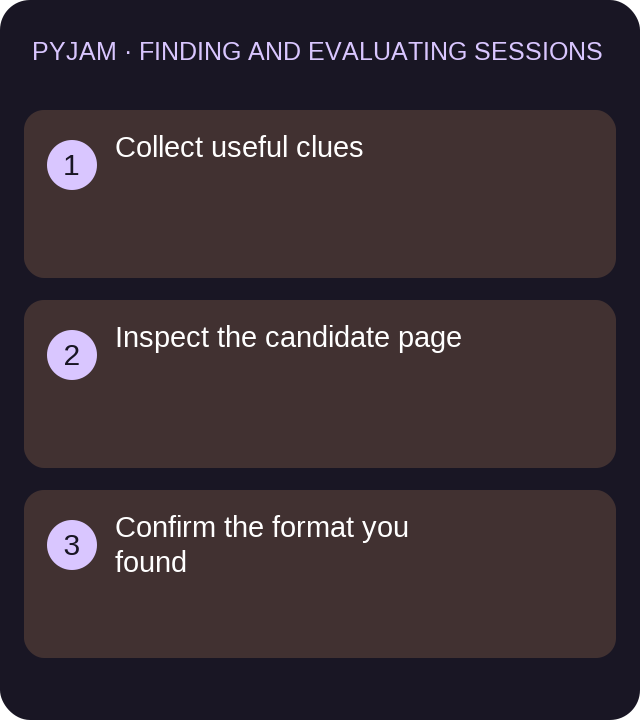
Collect useful clues
Write the unusual title phrase, the creator's displayed name and any event date you remember. Separate exact wording from a rough recollection. A common phrase such as live now produces a different search task from a specific workshop title. Avoid including private account information or copying a personalized viewing link into a public search. Start with the service's normal search when you know where the programme was hosted.
Inspect the candidate page
Compare the result's creator, title and date before opening a player. Search snippets can lag behind a changed page or describe a channel rather than the individual event. If using a web search, apply documented search operators only when their purpose is clear. A quoted phrase can narrow exact wording, but a failed exact match does not prove the event never existed. Check the actual page reached rather than treating the first recognizable cover image as confirmation.
Confirm the format you found
Determine whether the candidate is a scheduled event, current broadcast, replay, clip or third-party summary. Use an official creator route where available and keep unavailable content marked unavailable. This process does not establish that every service indexes its live rooms publicly or retains finished broadcasts. Once a strong match is found, verify its identity instead of repeatedly generating variations that make it harder to distinguish the accepted page from unrelated results.
Search clue worksheet
Record remembered phrase, creator, approximate date, candidate address and confirmed format. Example: the title matches, but the result is a short clip from last year's workshop. Keep looking for the actual session route. A matching phrase establishes a useful clue, not the identity or current availability of the complete broadcast.
Try the check in Pyjam
Open Pyjam and choose an available public video. Apply the viewing check above to that item, keeping its live or recorded status in mind. Availability and controls should be checked in the current session.
Explore Live Streams in Pyjam