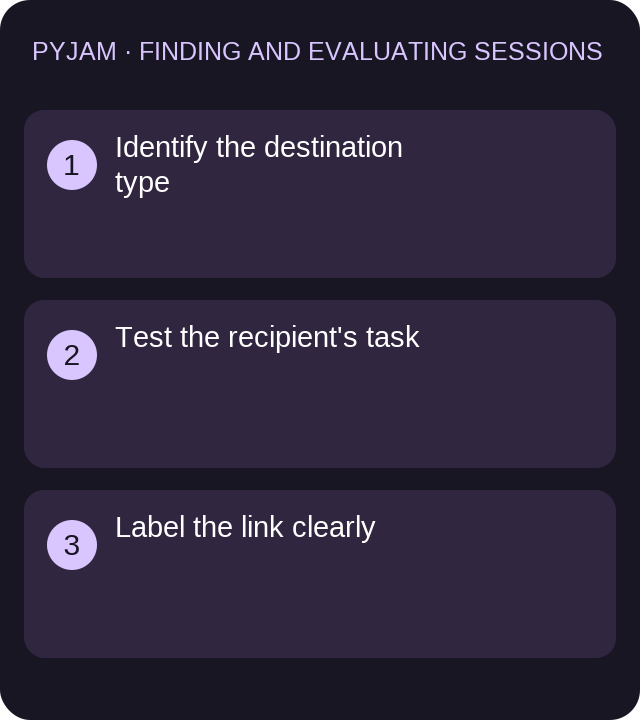
Identify the destination type
Open the permitted link and inspect its visible title, creator and current content. A channel or profile may emphasize the newest upload, while an event page identifies a particular programme. Keep the original address and note whether it redirects. Do not assume that a creator's live button will always lead to the same event after that broadcast ends or a later stream begins.
Test the recipient's task
Ask what the intended visitor needs to reach: the creator generally, a scheduled session, the current live picture or a finished replay. Choose the platform's supported sharing route for that destination when available. Check the copied address through the ordinary browser interface before sharing it. Avoid sending a private invitation, account token or restricted link as though it were a public viewing URL. A page that works for its owner may require different access from a recipient.
Label the link clearly
Use a short description naming the creator, session and whether it is scheduled or recorded. If only a general profile link exists, explain that the visitor will need to find the programme there. The official YouTube sharing guidance applies to its own service; another platform needs its own available route. A tested address does not guarantee indefinite archive retention. Recheck important invitations after a creator changes the schedule or replaces the viewing destination.
Link purpose table
Write destination address, page type, intended item, access observed and useful label. Example: a profile opens the creator's latest clip rather than tomorrow's workshop. Use the event address if the service supplies one, or explain the extra navigation. Do not claim a direct event link when the recipient still has to choose a programme.
Try the check in Pyjam
Open Pyjam and choose an available public video. Apply the viewing check above to that item, keeping its live or recorded status in mind. Availability and controls should be checked in the current session.
Explore Live Streams in Pyjam