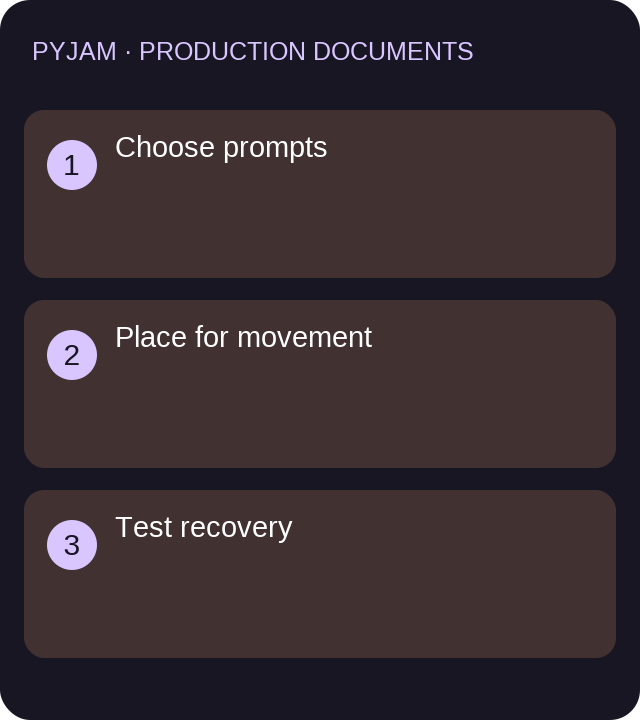
Choose prompts
Write purpose, essential terms, order and closing action. Remove sentences explained naturally. Verify exact figures or names. Choose a readable size at the presenting position. Separate optional points from essentials. A cue card cannot replace understanding of the subject, and adding more wording can make recovery harder when you lose your place during an actual demonstration.
Place for movement
Practise glancing and returning to lens or task. Keep cards off the work surface and outside the picture unless intentionally shown. Check notifications if using a screen. Avoid large repeated head movements. Test with the real materials present, since a card placed conveniently before the table is arranged may be blocked once the actual demonstration begins.
Test recovery
Skip a cue deliberately and resume at the next meaningful step. Keep an ending prompt with result and next action. Cut repeatedly ignored or misread wording. Optional material should shorten the session without removing its conclusion. Preserve a clear place to restart after a question so the cards help the conversation instead of forcing an inflexible reading sequence.
Cue layout
Use purpose, first action, detail, question pause and ending. Test one-glance readability. Keep long factual references separate. A useful card restores the thread quickly and lets you return attention to viewers rather than turning the entire session into an article read aloud.
Try the check in Pyjam
Open Pyjam’s preparation route and inspect the available setup before choosing to broadcast. Use the rehearsal above to decide what to check; opening the app alone does not start or confirm a public session.
Prepare a Stream in Pyjam