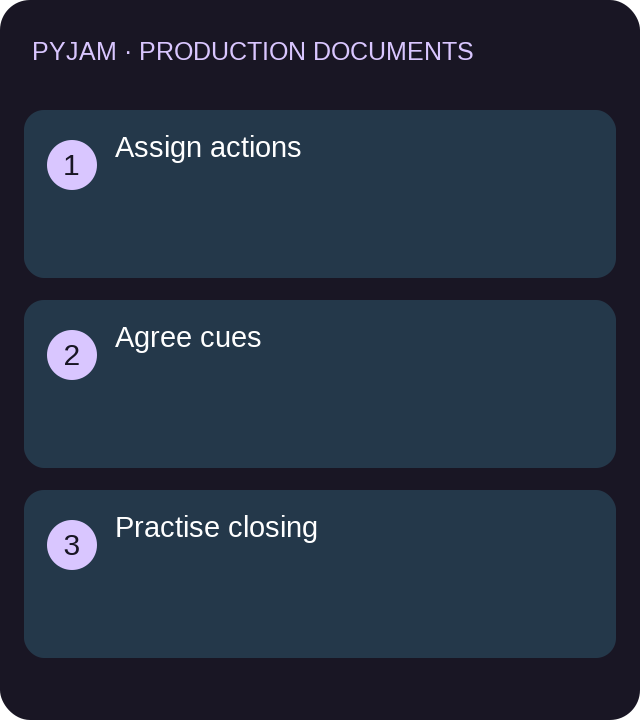
Assign actions
List starting, verifying playback, presenting, questions and ending. Name backups where useful. One person may hold several manageable roles. Use existing authorised access and tested controls. Do not invent a role depending on permissions nobody has. Keep an unresolved action visible instead of marking it complete because someone's name has been entered into a table.
Agree cues
Use simple private signals for missing sound, transition or stop. Rehearse them without disrupting explanation. Keep sensitive details off air. A playback helper reports a specific symptom; one named person decides the response. Multiple simultaneous fixes can obscure the cause and introduce new problems. Keep the cue list short enough to use while following the live topic.
Practise closing
Name the stop operator and viewer confirmation owner. Rehearse the sign-off. Assign notes and follow-up. Roles are meaningful when an action has a checked route, not just a title. Keep the stop and audience check separate so a local button press is not silently treated as proof that the viewer route ended in the expected way.
Role form
Use action, owner, backup, cue and confirmation. Example: audio check, helper, presenter during pause, private message, full sentence heard. Exclude credentials. Resolve conflicting owners and untested routes before broadcasting so responsibility reflects what the team can actually do in the current setup.
Try the check in Pyjam
Open Pyjam’s preparation route and inspect the available setup before choosing to broadcast. Use the rehearsal above to decide what to check; opening the app alone does not start or confirm a public session.
Prepare a Stream in Pyjam