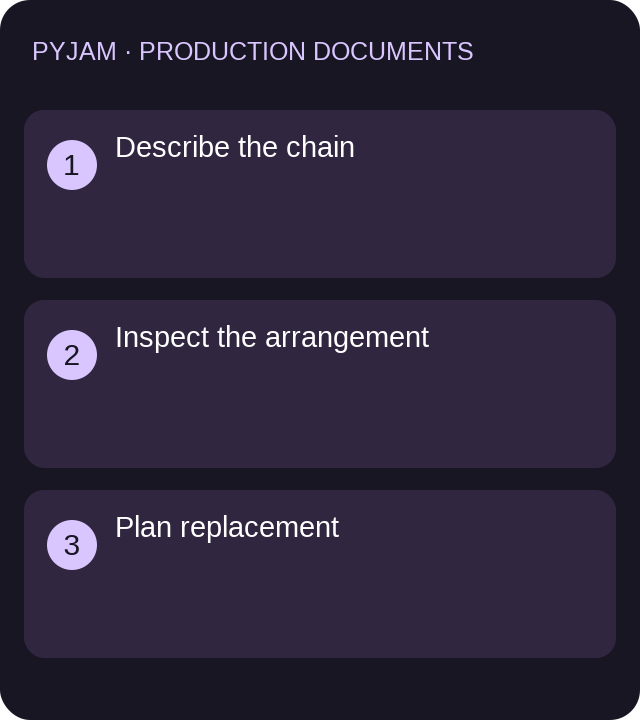
Describe the chain
List camera, sound input, support, power and viewing device. Include relevant adapters. Give each a job. Exclude private identifiers and credentials. Tie the list to one tested setup rather than several untried alternatives. Owning the parts does not establish that they were connected together when the sound and picture passed a viewer check.
Inspect the arrangement
Check output and control access with equipment in its real position. An adapter can affect the active input or access to another port. Follow manufacturer guidance. Device presence does not prove app selection. Retain an actual listening or picture observation and repeat the affected check after connecting another accessory rather than relying on how the setup looked previously.
Plan replacement
Name removable items and tested spares. A phone-only fallback may be more useful than unfamiliar accessories. Update after meaningful changes. Do not call every item essential to everyone. Keep the simplest setup that preserves the audience explanation and a clear voice. A fallback is credible when rehearsed, not merely when another cable happens to be in the bag.
Inventory form
Use item, role, connection, result and fallback. Example: headphones, monitoring, viewing device, clear speech without room playback, mute monitor. Add purpose and date so a future session distinguishes the verified arrangement from a collection of available parts that were never tested together.
Try the check in Pyjam
Open Pyjam’s preparation route and inspect the available setup before choosing to broadcast. Use the rehearsal above to decide what to check; opening the app alone does not start or confirm a public session.
Prepare a Stream in Pyjam