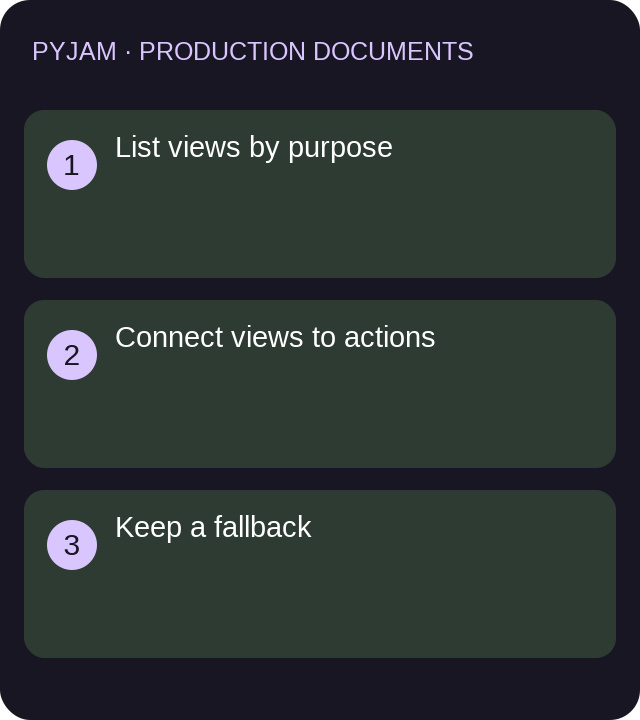
List views by purpose
Start with a wide view, important detail and completed result. Name what each communicates. Omit changes that do not help explanation. A single camera can support several planned views by moving the subject. Do not interpret a longer list as a requirement to buy equipment or use untested switching features. Choose the simplest arrangement that shows the required relationships.
Connect views to actions
Name who moves camera or object and when. Keep attention-intensive work separate from adjustments. Rehearse difficult transitions with real materials. Simplify views that obscure action or reveal unintended information. A planned angle remains a proposal until the sequence has been checked. Note how the transition will be explained so viewers do not mistake necessary movement for loss of the picture.
Keep a fallback
Choose one stable view useful when a change fails. Explain verbally while returning. Ask a helper what each transition showed. Remove unclear views. Keep the list near the equipment and revisit it when materials change. A previous close-up position may no longer fit a larger object, so preserve the purpose rather than blindly repeating the same camera placement.
Shot list form
Use stage, view, fact shown, operator action and fallback. Example: finished fold, close view, corner alignment, hold object, return to full sheet. Each view needs a purpose and achievable transition rather than existing just to make production seem elaborate.
Try the check in Pyjam
Open Pyjam’s preparation route and inspect the available setup before choosing to broadcast. Use the rehearsal above to decide what to check; opening the app alone does not start or confirm a public session.
Prepare a Stream in Pyjam