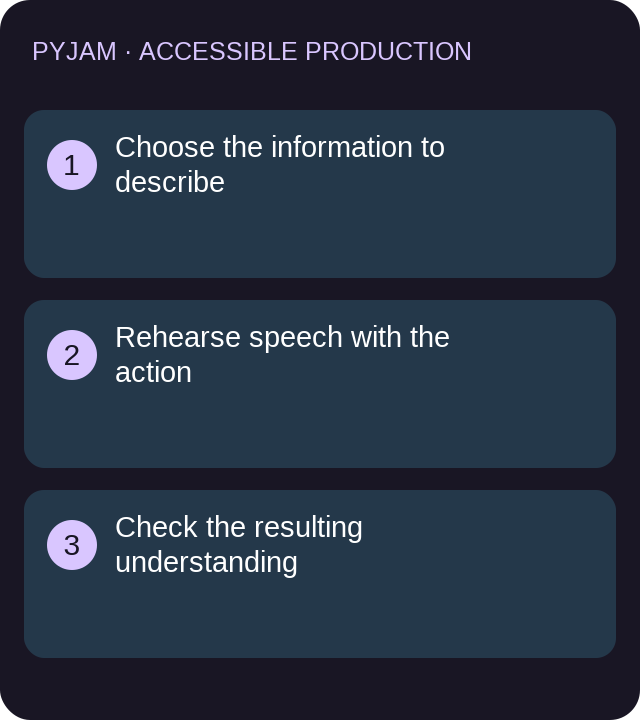
Choose the information to describe
List the result, motion and labels that a viewer needs to understand. Read the planned speech and identify which of those facts it already states. Add only the missing information. For example, replace an unexplained gesture with a brief statement that names the two edges being aligned. Keep the wording tied to the actual task rather than describing decoration or every change of camera angle.
Rehearse speech with the action
Perform the demonstration at its normal pace and say the added description aloud. Check that the words arrive before a viewer needs them and that they do not overlap another important explanation. Leave a natural pause when an action and its description need separate attention. If the sentence becomes rushed, simplify the movement or divide the step rather than expecting viewers to reconstruct an overloaded sequence.
Check the resulting understanding
Have a helper follow the explanation without relying on the critical gesture. Ask them to describe the intermediate and final states. Correct missing relationships and rehearse again with the actual materials. Planning descriptions supports access, but one successful rehearsal is not a certification of the whole session or a guarantee that every visual detail has an equivalent explanation.
Description cue sheet
Use action, essential visual fact, words already spoken, added sentence and rehearsal result. Example: the presenter says place it there without naming the location; revise to a checked positional description. Keep the script concise enough to say naturally while preserving the information a viewer needs for the next step.
Try the check in Pyjam
Open Pyjam’s preparation route and inspect the available setup before choosing to broadcast. Use the rehearsal above to decide what to check; opening the app alone does not start or confirm a public session.
Prepare a Stream in Pyjam