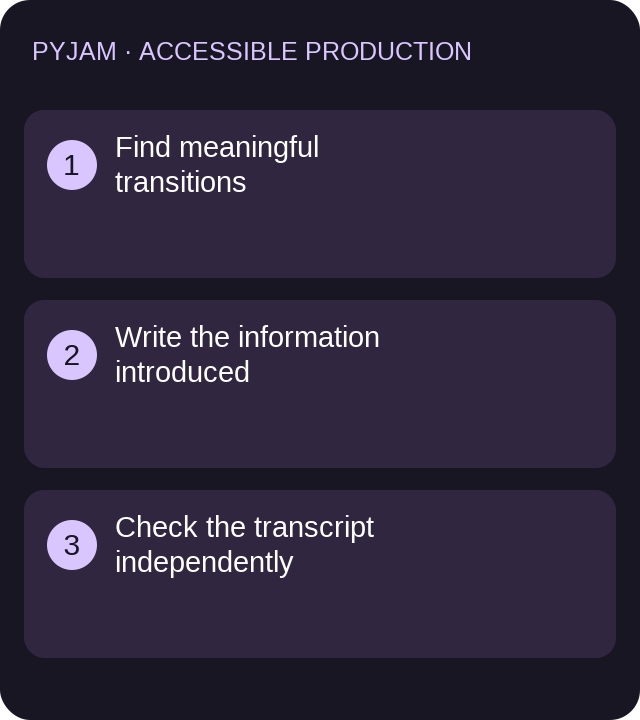
Find meaningful transitions
Review the video and mark moments when a new view introduces a result, a new speaker context or a different stage of the task. Separate those from purely decorative cuts. Begin with the spoken material and relevant sound, then identify what essential visual information remains missing. W3C distinguishes descriptive transcripts from text that contains speech alone, but the useful level of description depends on the actual content.
Write the information introduced
Describe the important change in clear words near the corresponding passage. For example, explain that the finished fold is shown from above and its two corners now meet. Avoid unsupported judgments such as describing a person as confused solely from a brief expression. Keep observations distinct from the presenter's interpretation and retain the original sequence so a reader can understand how one stage leads to the next.
Check the transcript independently
Ask a reviewer to follow the task from the text and name the resulting state. Compare their understanding with the video. Add missing context and remove repetitive description that interrupts the explanation without helping it. Keep the transcript associated with the correct edit. A descriptive transcript can support access and review, but it does not replace every function of synchronized captions or another access method.
Scene-change record
Use video moment, information introduced, proposed description and reader's understanding. Example: the camera changes to a close-up but the transcript omits the new measurement result. Add that checked information where it belongs. Do not fill an unexplained visual gap by inventing an action the video never establishes.
Try the check in Pyjam
Open Pyjam’s preparation route and inspect the available setup before choosing to broadcast. Use the rehearsal above to decide what to check; opening the app alone does not start or confirm a public session.
Prepare a Stream in Pyjam