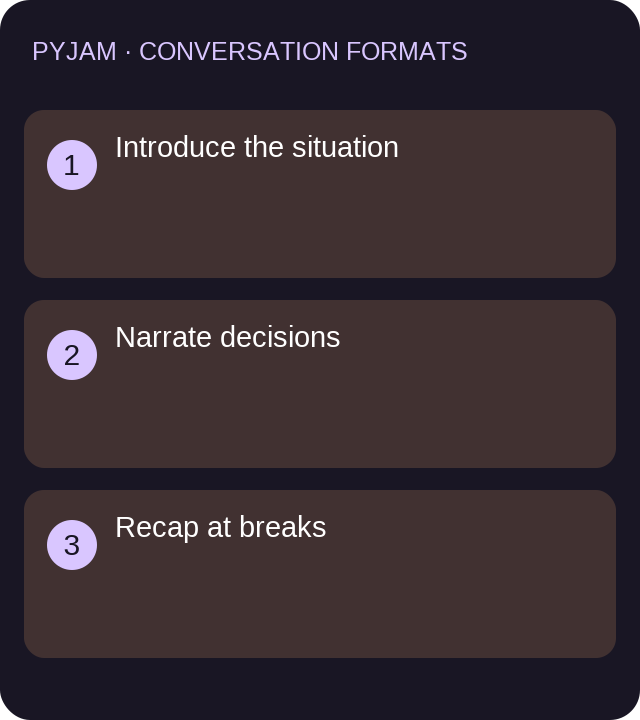
Introduce the situation
Name game, mode and objective. Say whether playing, reviewing a recording or observing an event. Keep title and opening consistent. Check game and service rules; this plan does not permit rebroadcasting someone else's event. A familiar scene to regular viewers can still need basic context for someone arriving midway, so prepare one brief orientation sentence.
Narrate decisions
Explain the aim and visible clue. Use short cues during demanding moments, then expand when attention allows. Do not read messages during concentrated action. Explain unfamiliar terms. Viewers should connect the words to identifiable details rather than hear reactions without causes. Keep uncertainty clear when predicting an outcome instead of describing a guess as hidden mechanical knowledge.
Recap at breaks
Explain the choice, outcome and next attempt. Separate observation from claims about mechanics. Set spoiler expectations. Summarise the sequence actually shown rather than a planned highlight. Label recorded material clearly. If a moment needs earlier context, add it before evaluating the decision so a newcomer can understand why an apparently obvious alternative was unavailable.
Commentary card
Write objective, cue, term, concentration interval and decision to revisit. Ask a newcomer why you took an action. Add context if unclear before adding more overlays. The aim is understanding, not continuous speech or a promise that the audience already knows the game's entire rule set.
Try the check in Pyjam
Open Pyjam’s preparation route and inspect the available setup before choosing to broadcast. Use the rehearsal above to decide what to check; opening the app alone does not start or confirm a public session.
Prepare a Stream in Pyjam