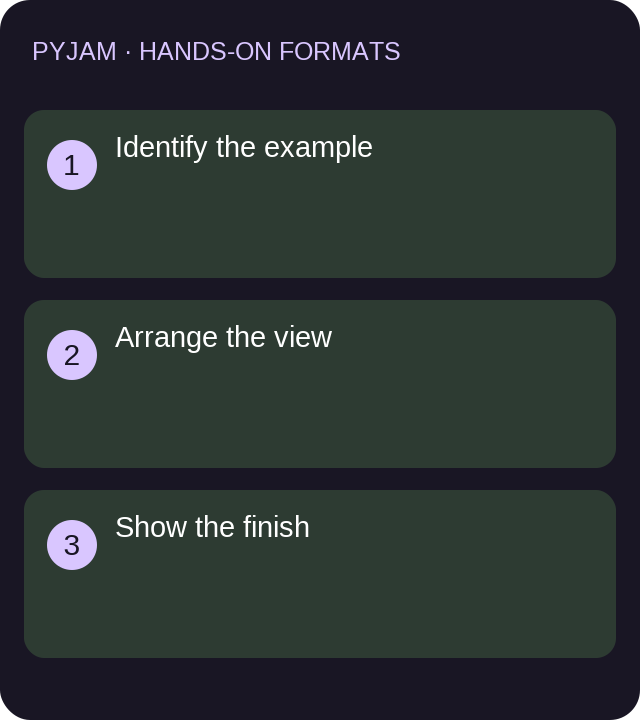
Identify the example
Name the plant as accurately as possible and explain this specimen's context. Show its container and prepared materials. Do not present one mixture or watering routine as suitable for every species or home. Keep labels readable. Say what was prepared before filming so viewers understand which part is being demonstrated and which care decisions are outside the presentation's scope.
Arrange the view
Keep equipment away from moisture and loose material. Rehearse holding the plant without blocking the container. Put tools within reach. Pause to show changes rather than continue working behind your hands. Explain what the picture cannot reveal. A detailed surface view does not establish hidden conditions, and a clearer camera angle should not be treated as a plant-health diagnosis.
Show the finish
Return to the starting angle and identify visible changes. State intended follow-up without promising immediate improvement. Unseen plants need their own context and suitable guidance. Keep the example focused rather than improvising universal answers. Separate later observations from results confirmed in this session, so a proposed care outcome does not become an unsupported claim of success.
Plant card
Write specimen, starting container, prepared material, camera-safe area, detail and later observation. Viewers should know what happened, what was prepared and what has not been observed. Use the card to clarify presentation while care choices remain tied to the actual species and conditions.
Try the check in Pyjam
Open Pyjam’s preparation route and inspect the available setup before choosing to broadcast. Use the rehearsal above to decide what to check; opening the app alone does not start or confirm a public session.
Prepare a Stream in Pyjam