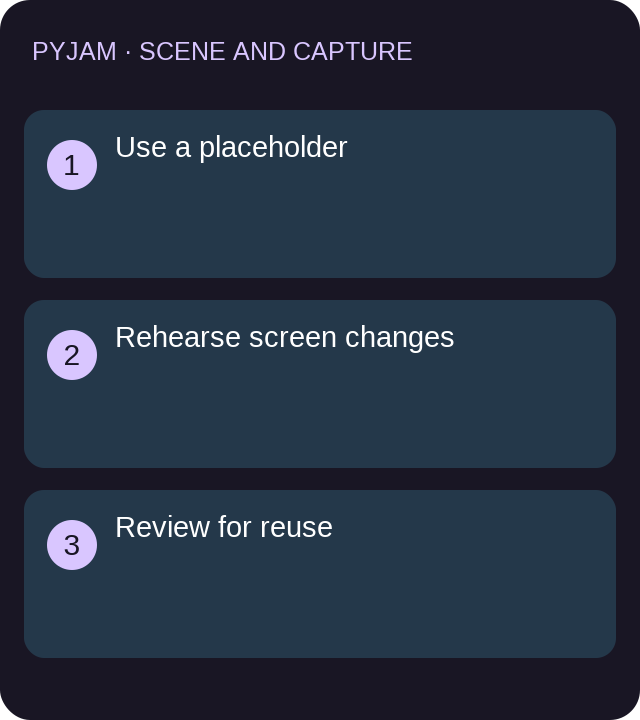
Use a placeholder
Prepare YOUR_STREAM_KEY on a practice card. Explain its role without opening the actual value. Keep destination and secret distinct. A setup credential is not a viewing link for an invitation. Avoid copying private configuration into teaching notes. Use a diagram for the relationship between service and encoder when a real settings screen is unnecessary to the lesson.
Rehearse screen changes
Inspect dialogs, clipboard text, tabs and capture edges using harmless material. Do not rely on an unverified blur. Handle a necessary private step off camera, then check the view before returning. A safe starting screen does not prove the next dialog is safe. Walk through the entire planned explanation instead of testing only the first page.
Review for reuse
Watch the sample for account information. Retain the safe teaching version. If a real secret is exposed, stop displaying it and follow the affected service's recovery guidance. Editing a later replay cannot retract earlier viewing. Keep credentials out of incident notes and support screenshots too, rather than repeating the exposure while trying to document it.
Teaching checklist
Mark placeholder ready, real settings closed, clipboard checked, boundary rehearsed and recovery guidance located. This general plan does not imply Pyjam encoder support or automatic import. Teach only the workflow actually checked and keep configuration secrets separate from public viewer instructions.
Try the check in Pyjam
Open Pyjam’s preparation route and inspect the available setup before choosing to broadcast. Use the rehearsal above to decide what to check; opening the app alone does not start or confirm a public session.
Prepare a Stream in Pyjam