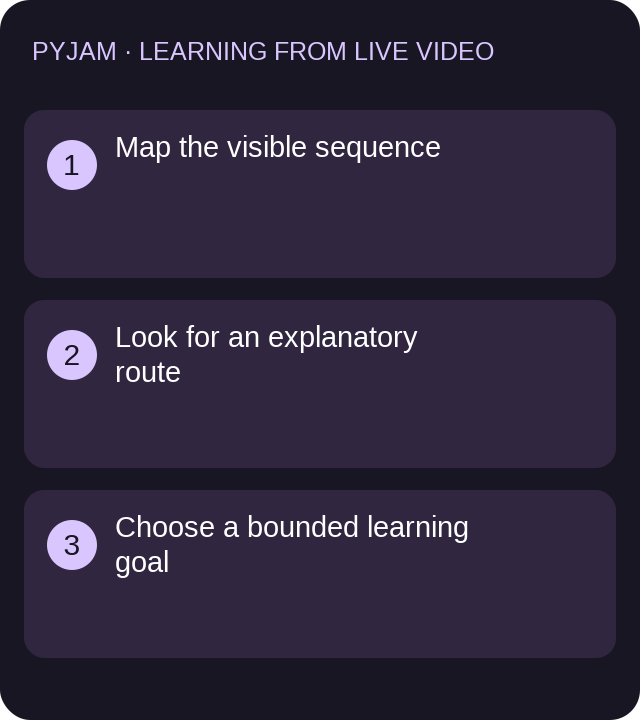
Map the visible sequence
Watch a short permitted section and describe the starting state, movement and resulting change in your own words. Note any hidden contact point or off-screen preparation. Keep observation separate from interpretation: seeing a hand turn a control does not establish its setting, purpose or safe use. Do not invent a spoken instruction simply because the movement looks familiar from another tutorial.
Look for an explanatory route
Check the creator's available description, text reference or alternative version. If the player offers captions, determine whether they convey meaningful speech and sounds or only a music label. A transcript cannot automatically supply visual information that was never described. W3C distinguishes descriptions of essential visual information from ordinary dialogue captions. Use that distinction to identify the gap without assuming a particular service automatically creates a complete textual explanation.
Choose a bounded learning goal
Use the demonstration for what it actually shows, such as the order of a visible assembly, while seeking clarification for hidden conditions or consequential decisions. If the essential detail is unavailable, choose another appropriate explanation. A quiet session may be useful for experienced viewers who already know the context; that does not make it self-contained for every beginner. Preserve the difference between an observed movement and a verified procedure before applying it to your own materials.
Silent-demo observation card
Write visible starting state, observed action, visible result, missing reason and available explanation. Example: a tool moves off screen before the result changes, leaving the key adjustment unseen. Record that gap. Do not turn the following attractive result into proof that the missing step has been understood or can be repeated safely.
Try the check in Pyjam
Open Pyjam and choose an available public video. Apply the viewing check above to that item, keeping its live or recorded status in mind. Availability and controls should be checked in the current session.
Explore Live Streams in Pyjam