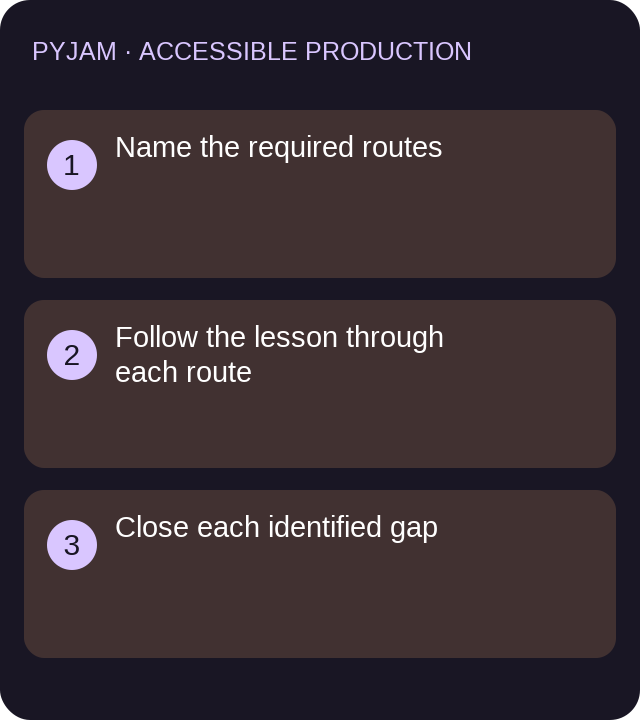
Name the required routes
Identify the intended audience and the access methods the production will provide. Assign responsibility for each method and note the receiving workflow it depends on. Choose a short lesson segment with speech, a visual action and a question. Planning accessible media involves decisions early in production; a list of features does not establish that the intended audience can actually use the resulting session.
Follow the lesson through each route
Rehearse the segment and inspect the required speech, captions, description or supporting text with the people responsible. Look for conflicts such as a presenter speaking over an important described action or a label covering essential picture detail. Record the exact point where understanding breaks down. Keep the task small enough to repeat after a correction rather than changing several elements and losing the cause of the problem.
Close each identified gap
Give the correction an owner and a new check. Ask what the audience should understand at the end of the segment, then test that outcome in the intended receiving conditions. Preserve unresolved needs openly in the production plan. An access-focused rehearsal is a practical preparation step; it does not by itself establish conformance with a complete accessibility standard or confirm untested features of a streaming platform.
Access run-through record
Use lesson segment, intended access method, responsible person, observed barrier, correction and recheck result. Example: the visual result is clear on camera but never named in speech; add a concise checked description and repeat the step. Keep accepted observations and remaining work separate so an incomplete route is not silently treated as available.
Try the check in Pyjam
Open Pyjam’s preparation route and inspect the available setup before choosing to broadcast. Use the rehearsal above to decide what to check; opening the app alone does not start or confirm a public session.
Prepare a Stream in Pyjam