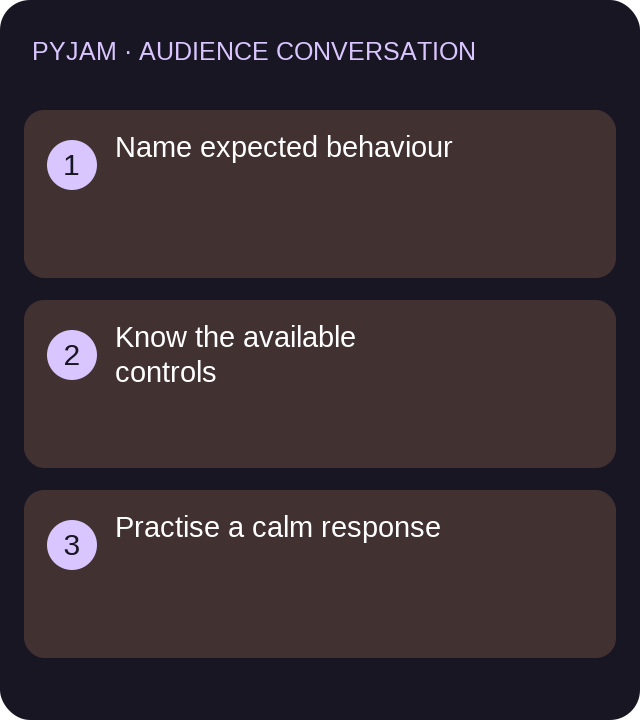
Name expected behaviour
Choose practical expectations: stay on topic, avoid personal contact details and leave others room to participate. Explain them before discussion becomes difficult. Use plain language instead of a long opening lecture. Rules should help people understand the session; they should not suggest the host can guarantee every message is appropriate or that viewers must reveal personal information to take part.
Know the available controls
Review current official guidance and controls actually offered to your account. Decide who watches discussion while you present. Do not grant broad account access simply to get help for one session. If you cannot monitor a demanding conversation, simplify the format or arrange appropriate assistance. A written rule does not create a moderation feature absent from the actual tool.
Practise a calm response
Prepare a sentence for redirecting off-topic exchanges and another for ending a segment that is no longer useful. Apply expectations consistently. Keep factual notes if support is needed without republishing private messages unnecessarily. Ground rules support decisions; they do not replace platform reporting or thoughtful presentation planning. Rehearse the transition back to the topic so one interruption does not take over the session.
Try the check in Pyjam
Open Pyjam’s preparation route and inspect the available setup before choosing to broadcast. Use the rehearsal above to decide what to check; opening the app alone does not start or confirm a public session.
Prepare a Stream in Pyjam