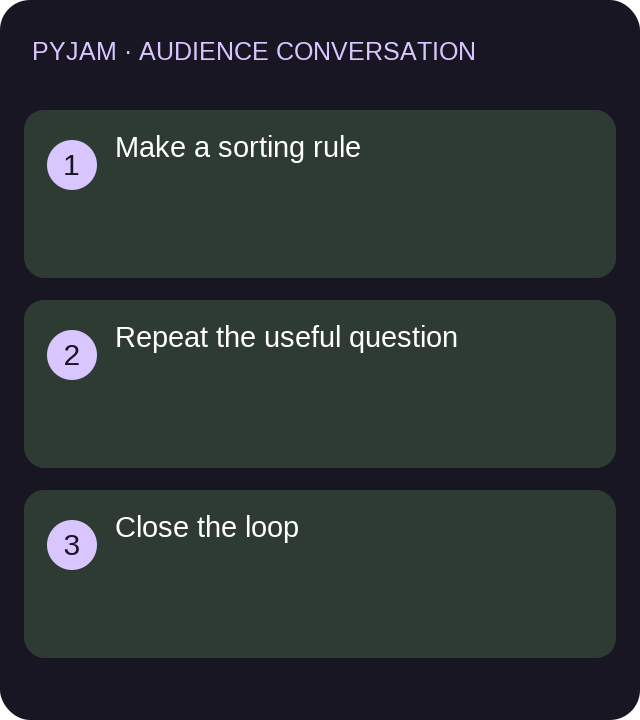
Make a sorting rule
Answer questions affecting the next step before proceeding. Hold broader comparisons for a planned pause. If you do not know an answer, say so and separate it from confirmed instructions. Do not improvise technical certainty to maintain momentum. Keep a small list of unresolved points instead of repeatedly revisiting the same question without adding useful information.
Repeat the useful question
Restate it neutrally before answering so listeners understand the context. Omit identifying or private details from the original message. Answer the common issue once when several questions overlap. Do not imply a platform supplies queues or pinning unless you checked the interface. A paper list can work when no suitable collection feature is offered in the chosen workflow.
Close the loop
At the end of the segment, return to questions you postponed. Explain which are answered and which need research. Rehearse collecting a question with a helper so it does not make you lose the camera view or stop an important action. Give the audience a clear next step for unresolved information without promising an answer you are not equipped to provide.
Try the check in Pyjam
Open Pyjam’s preparation route and inspect the available setup before choosing to broadcast. Use the rehearsal above to decide what to check; opening the app alone does not start or confirm a public session.
Prepare a Stream in Pyjam