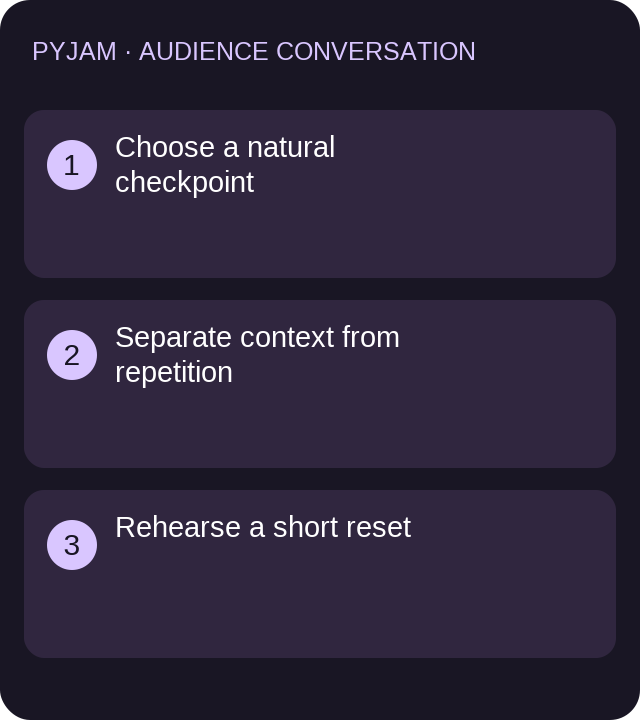
Choose a natural checkpoint
Use the end of a step, scene change or question break. State the topic, what you just completed and what comes next. Keep the welcome connected to the activity. Greeting every counter change can interrupt the explanation. Decide where a reset helps someone understand the next action rather than treating every new arrival as a reason to restart.
Separate context from repetition
A reset might explain that you are comparing camera positions and now checking the second. It need not repeat every adjustment. If a previous step is essential, name the prerequisite or point to available notes. Do not promise a replay unless the chosen workflow provides one. Keep the explanation short enough that returning viewers can still follow the current task.
Rehearse a short reset
Ask someone to join halfway through a rehearsal and explain what they think is happening. Improve the checkpoint sentence if they cannot identify the task. Keep one version in your running notes so it is easy to deliver naturally. Aim for a session that makes sense to both new and continuing viewers without repeatedly losing the demonstration's momentum.
Try the check in Pyjam
Open Pyjam’s preparation route and inspect the available setup before choosing to broadcast. Use the rehearsal above to decide what to check; opening the app alone does not start or confirm a public session.
Prepare a Stream in Pyjam