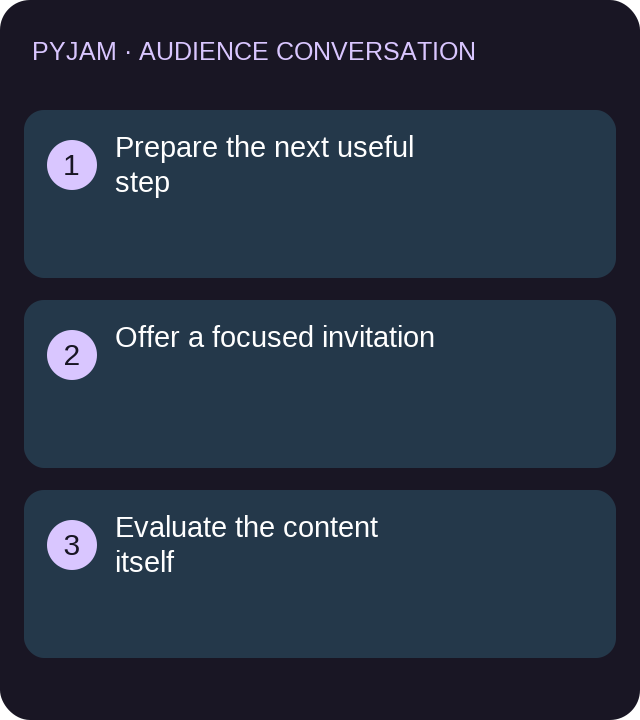
Prepare the next useful step
Keep a short demonstration sequence so the presentation can continue without questions. Explain what viewers should notice and allow observation time. Avoid demanding a greeting or location. Some people watch on a device that makes writing inconvenient. Deliver the explanation you promised rather than abandoning the topic because a panel remains quiet or a count does not change.
Offer a focused invitation
Ask something connected to the task, such as which example is easier to read. Make answering optional. Pause, then continue with your planned explanation if nobody replies. A broad request for any question is harder to answer than a specific comparison. Give viewers enough context to respond without having to disclose private details or invent an opinion immediately.
Evaluate the content itself
Ask a helper what they learned and where they became confused. Do not equate an empty chat with failure or invent engagement figures. In a Pyjam trial, first check whether a viewer can find the selected content and understand the demonstration. Conversation is useful when available, but the presentation should still make sense without it. Record one improvement for the next rehearsal.
Try the check in Pyjam
Open Pyjam’s preparation route and inspect the available setup before choosing to broadcast. Use the rehearsal above to decide what to check; opening the app alone does not start or confirm a public session.
Prepare a Stream in Pyjam