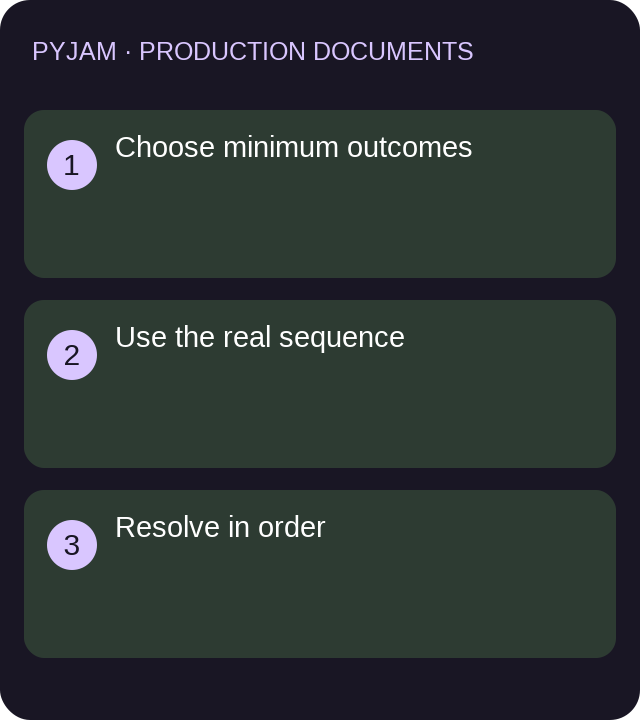
Choose minimum outcomes
Test a key label, complete instruction, viewer route and understandable ending. State the pass condition. Avoid vague professional-looking judgements. Separate polish from blockers. Keep the list tied to the actual subject rather than accumulating unrelated equipment checks. A short set of meaningful outcomes supports a better decision than many boxes whose result is always assumed.
Use the real sequence
Rehearse materials, motion and conditions. Ask helpers without supplying the answer first. Record pass, fail or not tested. Keep preview, recording and playback separate. Skipped checks cannot become passes. If a test depends on an account or control unavailable today, name that limitation instead of replacing it with a different easier task and keeping the original label.
Resolve in order
Fix a blocker and repeat the affected task. Revisit changed inputs without rerunning everything for harmless wording. Shorten or postpone unresolved essential portions. Preserve setup beside results. Keep the original failure so an improvement can be explained. A proposed change is not acceptance until the relevant observation is repeated and its result has been recorded separately.
Acceptance form
Write task, condition, result, change and retest. Example: label, helper reads word unaided, fail, larger sample, pass. Add device and date. This supports a decision for the tested session, without promising every later network condition or viewer device will behave identically.
Try the check in Pyjam
Open Pyjam’s preparation route and inspect the available setup before choosing to broadcast. Use the rehearsal above to decide what to check; opening the app alone does not start or confirm a public session.
Prepare a Stream in Pyjam