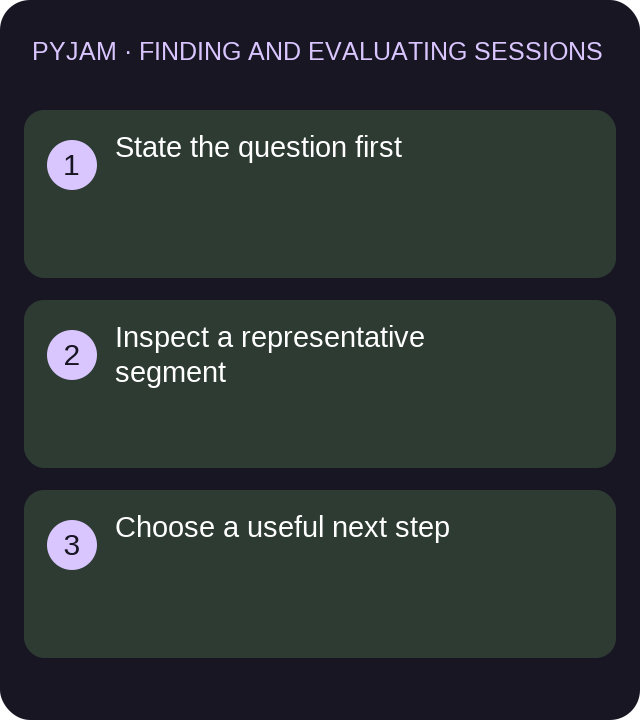
State the question first
Write the operation or idea you want to understand in one sentence. Identify any prerequisite skill or equipment you already have. Then compare the title and description with that task. A beginner overview, a product launch and an advanced demonstration may share the same topic words while serving different audiences. Do not assume that a popular creator's current session is designed for your particular stage of learning.
Inspect a representative segment
Where the player and access permit, watch enough to identify the pace, explanation style and level of detail. Check whether the presenter defines the terms you need and shows the essential action. For a live session, you may be arriving after the introduction, so avoid judging the complete programme from an unexplained middle moment. Look for a current summary or a clear way to establish the context without interrupting the presenter repeatedly.
Choose a useful next step
Continue when the material answers the intended question at a workable level. Otherwise, choose a more suitable available session or supporting text. The decision should reflect the content you observed, not a promise that any platform hosts every topic in English. Accessible-media planning is a useful framework for clear explanation, but it does not certify the quality of an individual programme. Keep your viewing goal visible so browsing does not replace the learning task itself.
Topic-fit checklist
Record intended question, assumed knowledge, observed explanation level, useful example and next action. Example: the title mentions camera setup but the session compares advanced encoders without explaining framing. Choose another introduction for your first rehearsal. Mark an unviewed session as a candidate rather than recommending it as a checked answer.
Try the check in Pyjam
Open Pyjam and choose an available public video. Apply the viewing check above to that item, keeping its live or recorded status in mind. Availability and controls should be checked in the current session.
Explore Live Streams in Pyjam