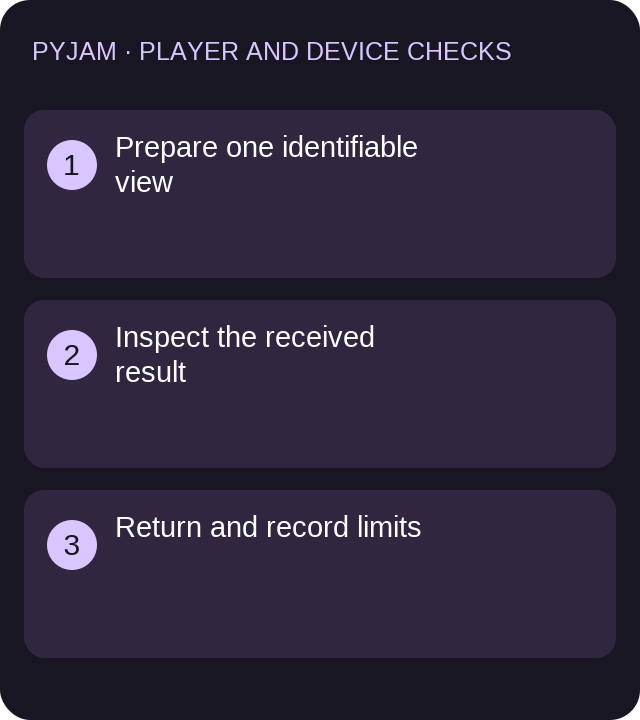
Prepare one identifiable view
Open the intended item and note the useful detail you want to see more clearly. Connect the display through its supported route and inspect the actual output selection. Keep the original player accessible while testing. Avoid assuming that a mirrored desktop, a browser window moved to another monitor and a service's casting feature behave identically. They can expose different controls and sound destinations, so name the route you actually used.
Inspect the received result
Look for clipped edges, readable captions and an understandable moving action on the larger display. Listen to speech from the intended speakers. If sound remains at the computer, check the selected ordinary output instead of increasing several volume controls at once. View the picture from the real sitting position; text that looks sharp close to the panel may still be unreadable across the room. Keep private notifications away from any shared screen.
Return and record limits
Test the ordinary route back to the original display and sound output. A successful connection shows that this receiving arrangement works for this item; it does not establish that every service permits casting or that the display has received a higher-resolution source. Where access or protected playback is unavailable, follow the service's supported help guidance. Keep the useful acceptance criteria tied to what the audience can understand from the actual viewing position.
Display handoff sheet
Record connection route, screen mode, sound destination, caption visibility and smallest readable detail. Example: the video is visible across the room but a spreadsheet column is too small to follow. Change the presentation or use a closer view rather than declaring the larger screen an improvement solely from its dimensions.
Try the check in Pyjam
Open Pyjam and choose an available public video. Apply the viewing check above to that item, keeping its live or recorded status in mind. Availability and controls should be checked in the current session.
Explore Live Streams in Pyjam