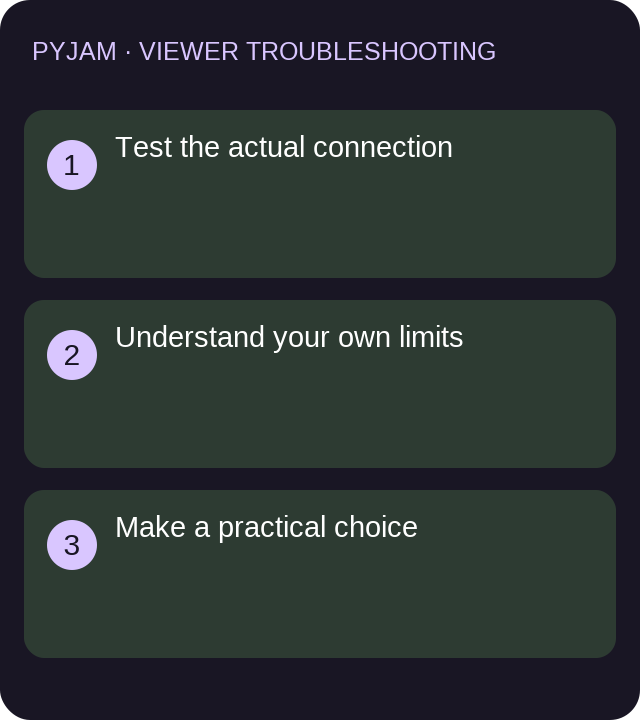
Test the actual connection
Start one available video and observe picture and sound. Do not judge mobile data while the phone still uses Wi-Fi. If the player offers a quality choice, compare a lower setting. Coverage can change with movement, so a stationary success does not guarantee an entire journey. Test somewhere you can inspect controls without dividing attention between the phone and your surroundings.
Understand your own limits
Review allowances and roaming conditions through your operator's official information. There is no universal hourly data figure here: usage depends on the stream and actual playback settings. Avoid testing while driving or crossing roads. Keep the check brief enough to learn whether your planned viewing arrangement is practical before committing to a long session away from a familiar connection.
Make a practical choice
If playback stalls repeatedly, save the link and return on a more suitable connection. A replay may suit a learning task when immediate participation is unnecessary, provided one is offered. Keep the live or replay distinction clear. Do not assume every platform provides downloads, audio-only playback or a recording after the session. Check the specific item's available options.
Try the check in Pyjam
Open Pyjam and choose an available public video. Apply the viewing check above to that item, keeping its live or recorded status in mind. Availability and controls should be checked in the current session.
Explore Live Streams in Pyjam