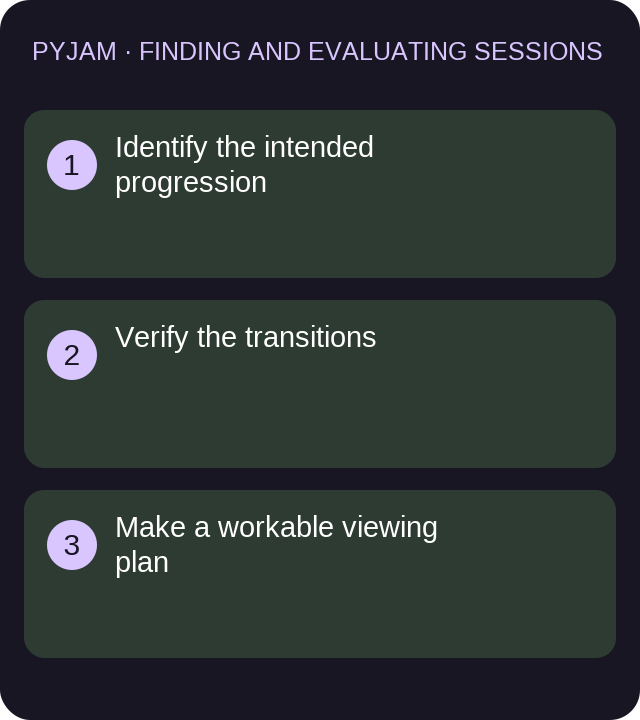
Identify the intended progression
Read the series description and note prerequisites, episode labels and any creator-supplied order. Distinguish a numbered lesson from a recap, announcement or supplementary question session. A playlist can be useful, but check whether it is the creator's current sequence or a third party's collection. Do not assume that reverse chronological results show the order in which a beginner should learn the material.
Verify the transitions
Inspect each lesson's stated starting point and expected result. Check whether the next item assumes a file, technique or demonstration produced earlier. Where an episode has been replaced, retain the creator's explanation and use the current reference. A missing lesson is a real gap; do not silently fill it with an unrelated video because its title contains the same number. Keep optional material separate from essential preparation.
Make a workable viewing plan
Write the accepted order and the specific material to prepare between sessions. Include the actual recording addresses so the sequence survives a changed search result. This is an editorial navigation aid, not a promise that every archive remains available. Accessible planning emphasizes clear structure, but only the creator's programme can establish its prerequisites. If an earlier step is unavailable, seek the publisher's alternative before presenting the later lesson as self-contained.
Series route sheet
Use episode, public address, required prior result, optional or essential status and replacement note. Example: the fourth upload is a recap while the third numbered lesson was published later. Follow the checked lesson relationship instead of sorting solely by date. Mark any unverified transition so another viewer knows where the sequence may require clarification.
Try the check in Pyjam
Open Pyjam and choose an available public video. Apply the viewing check above to that item, keeping its live or recorded status in mind. Availability and controls should be checked in the current session.
Explore Live Streams in Pyjam