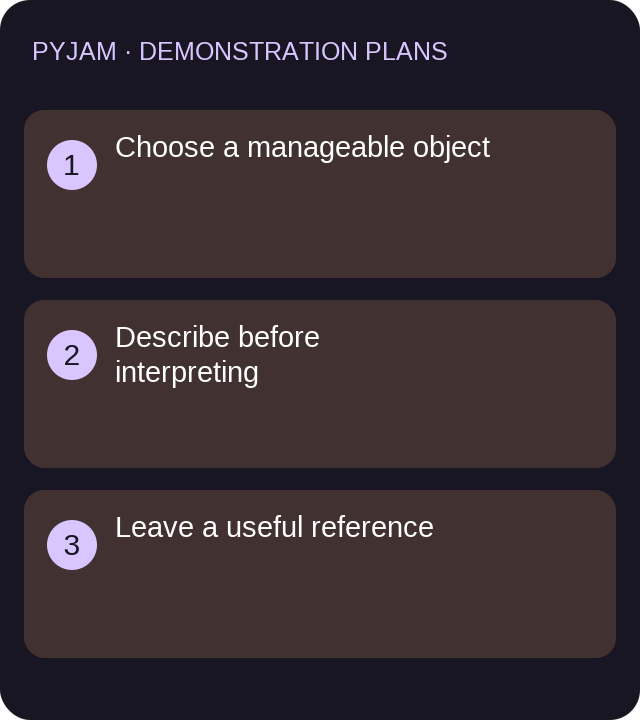
Choose a manageable object
Use material you may display and handle appropriately. Prepare a wide view and one meaningful detail. List what can be observed directly, what a reliable source establishes and what remains uncertain. Do not turn an attractive inscription or a family story into a verified date without evidence. Keep conservation or handling requirements within your actual competence and the permissions that apply to the object.
Describe before interpreting
Name the object's visible shape, markings and relevant wear. Explain the detail aloud while holding a stable view. Then identify the source behind any historical claim. This applies the principle of describing necessary visual information without asking the audience to read tiny text alone. Keep a clear transition between what the camera shows and the conclusion you draw, especially when the detail allows more than one interpretation.
Leave a useful reference
Close with the question the object helped explore and a suitable source or follow-up route. Correct an uncertain statement explicitly rather than quietly dropping it from the recap. Keep the original wide context available after a close-up. A successful presentation does not authenticate an object or establish its value; it demonstrates how you communicated the checked information and the remaining uncertainty in this particular session.
Object story sheet
Use visible detail, direct observation, documented source, interpretation, uncertainty and reference. Example acceptance: a helper can tell which date came from a source and which mark was simply shown. Keep sensitive ownership or location details out when unnecessary. Rehearse the physical movement with the final object and framing so the small detail remains visible without compromising appropriate handling.
Try the check in Pyjam
Open Pyjam’s preparation route and inspect the available setup before choosing to broadcast. Use the rehearsal above to decide what to check; opening the app alone does not start or confirm a public session.
Prepare a Stream in Pyjam