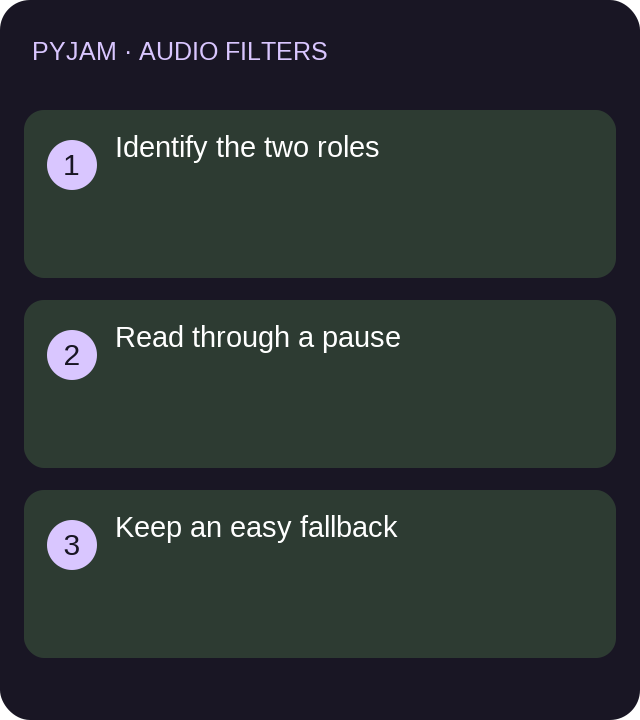
Identify the two roles
Name the foreground voice and the background source you are willing to reduce. Use material you can broadcast. OBS compressor guidance includes sidechain ducking, where one source controls reduction on another. Keep the voice source identifiable before setting the relationship. An unintended trigger can change the background even when the presenter is silent, so inspect the real signal rather than the label alone.
Read through a pause
Speak an instruction, pause as a learner acts, then continue. Record the mix. Listen for the background recovering too early or dropping so abruptly that the change distracts from the sentence. Keep microphone distance fixed while adjusting one control. The useful test includes the waiting period, because a continuous paragraph may conceal an awkward return of background sound between short instructions.
Keep an easy fallback
If the transition is unreliable, reduce or remove the unnecessary background. Voice clarity matters more than maintaining an effect. Rehearse the start and finish of the session as well as the middle. Check that a demonstration sound does not accidentally become the ducking trigger. Save the arrangement only after hearing the complete output, not merely seeing a control respond.
Ducking cue sheet
Record foreground source, reduced source, opening line, pause, second line and observed recovery. Include a manual fallback level. Example acceptance: the background stays unobtrusive while a task is explained and returns without a distracting surge. Keep the source relationship with the setting so a renamed or replaced microphone does not silently invalidate the next rehearsal.
Try the check in Pyjam
Open Pyjam’s preparation route and inspect the available setup before choosing to broadcast. Use the rehearsal above to decide what to check; opening the app alone does not start or confirm a public session.
Prepare a Stream in Pyjam