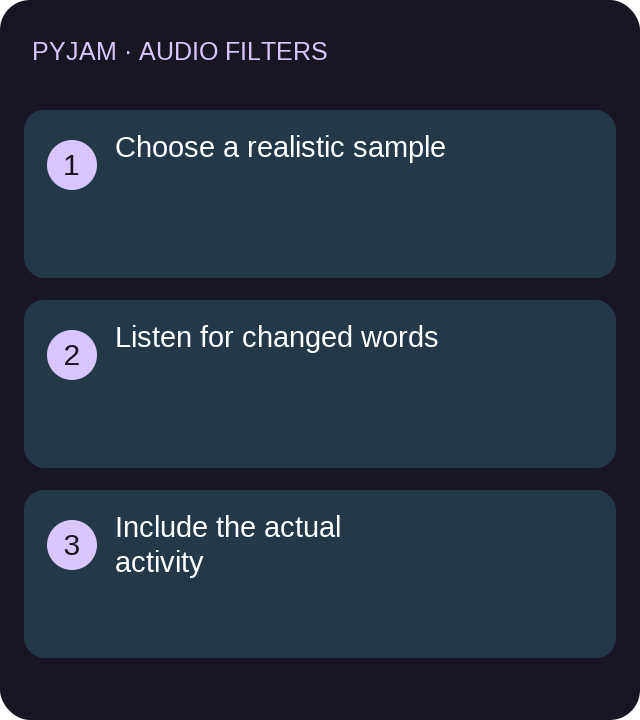
Choose a realistic sample
Use the actual room, microphone and working distance. Record steady background sound, ordinary speech and a quieter explanation. OBS describes suppression for mild background noise and warns that stronger treatment can distort wanted sound. Treat that as a reason to compare recordings rather than a promise to rescue a noisy venue. Reduce an avoidable noise source before processing it.
Listen for changed words
Keep the listening volume comfortable and consistent. Compare the same sentence with the filter disabled and enabled. Listen for watery consonants, fading syllables or abrupt changes during pauses. Change only the available suppression control or method you are evaluating. Save the baseline so a reduction in background hiss does not distract you from a worse explanation.
Include the actual activity
A craft, instrument or object demonstration contains sounds beyond speech. Repeat one useful action while explaining it. If processing removes the demonstration sound, move the microphone, reduce noise physically or choose a different arrangement. Check the composed recording, since another source may still contribute noise. Do not assume a microphone filter repairs every sound entering the scene.
Listening comparison
Use columns for untreated voice, treated voice, background, useful action and unwanted artifacts. Write one complete test sentence and repeat it unchanged. A good note is specific: fan quieter, last syllable intact, paper movement still audible. Keep the method name and settings with the result. Recheck after a device or room change instead of automatically carrying the filter forward.
Try the check in Pyjam
Open Pyjam’s preparation route and inspect the available setup before choosing to broadcast. Use the rehearsal above to decide what to check; opening the app alone does not start or confirm a public session.
Prepare a Stream in Pyjam