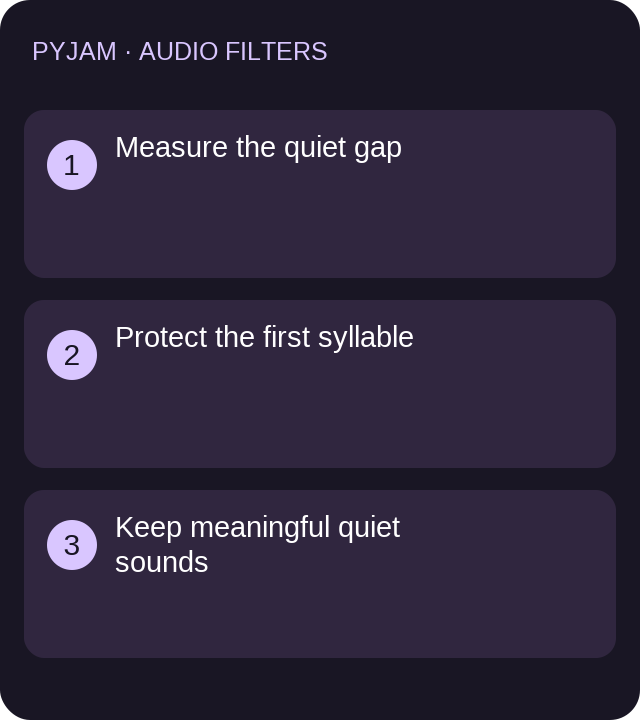
Measure the quiet gap
Record a short pause with the microphone in its working position. Leave the usual computer running. Note the room noise and speak a normal sentence, then a softer one. OBS provides separate opening and closing thresholds. Start from your observed signal rather than borrowing someone else's numbers: microphone distance and background conditions change the relationship between speech and noise.
Protect the first syllable
Read a phrase beginning quietly, pause, then finish with a trailing consonant. Listen for a clipped opening or a disappearing ending. Adjust one control and repeat the identical phrase. A silent pause is not success if the first word becomes unintelligible. Keep the unprocessed recording nearby so an apparently cleaner result can be judged against the complete original sentence.
Keep meaningful quiet sounds
Demonstration sounds may be quieter than your voice. Test a page turn or the small action the audience needs to hear. If a gate removes useful information, reconsider the microphone arrangement or processing choice. A gate cannot distinguish importance from volume. Preserve a setting only when ordinary speech, quiet speech and the intended demonstration remain understandable in the recorded output.
Gate test card
Write microphone, working distance, room noise, opening threshold, closing threshold and phrase. Mark the first syllable, pause and final consonant separately. Example result: room sound reduced, final word missing; reject this trial. Keep thresholds with the tested room rather than naming them a universal preset. Repeat after moving the microphone or changing its input gain.
Try the check in Pyjam
Open Pyjam’s preparation route and inspect the available setup before choosing to broadcast. Use the rehearsal above to decide what to check; opening the app alone does not start or confirm a public session.
Prepare a Stream in Pyjam