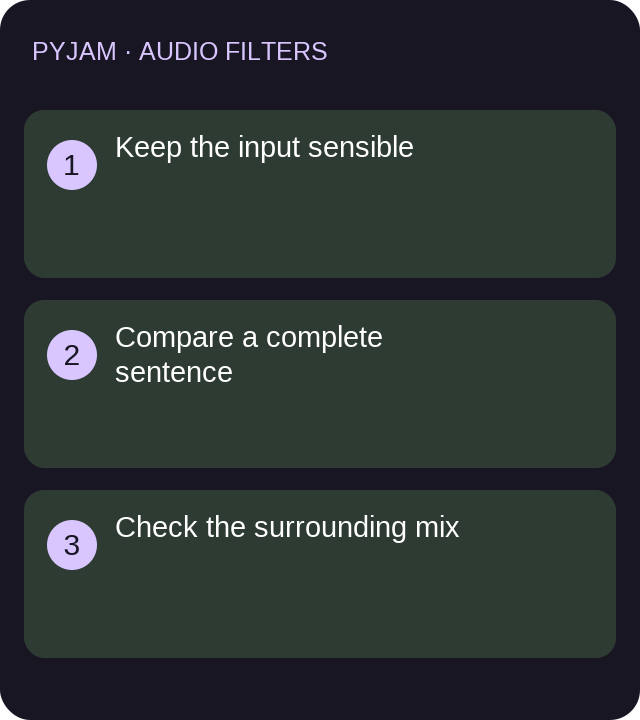
Keep the input sensible
Position the microphone first and make an untreated sample. Include the quiet introduction and an energetic explanation. OBS describes its compressor as reducing louder parts of a source. It does not make an already damaged recording recover its lost detail. If the input itself distorts, correct that stage before using processing to make the meter look more controlled.
Compare a complete sentence
Repeat a phrase that grows louder and returns to normal. Listen for the change in emphasis as well as the measured level. Adjust one compressor parameter at a time and retain the previous value. An even meter can conceal an unnatural voice. Ask whether the sentence remains expressive and whether the return to ordinary speech sounds smooth rather than suddenly swelling.
Check the surrounding mix
Listen with any intended background source included. Compression changes how the voice sits in that combination. Avoid compensating with several unrelated volume changes during one trial. Keep the quieter explanation intelligible without making other material distracting. Save a short recording of the accepted mix so the next rehearsal has an actual reference rather than a remembered impression of louder sound.
Range worksheet
Record input arrangement, compressor values, ordinary phrase, louder phrase and return to normal. Note clipping before processing separately from a level change after processing. Example acceptance: the louder sentence stays understandable and the following sentence does not jump unexpectedly. Keep a rejected example when it explains the decision, and repeat after a meaningful microphone or speaker-position change.
Try the check in Pyjam
Open Pyjam’s preparation route and inspect the available setup before choosing to broadcast. Use the rehearsal above to decide what to check; opening the app alone does not start or confirm a public session.
Prepare a Stream in Pyjam