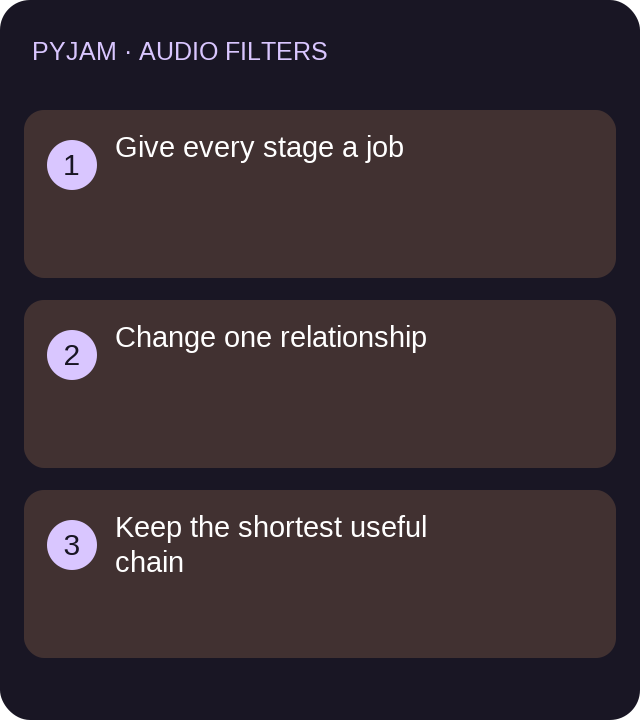
Give every stage a job
List the filters on one source and the problem each is meant to address. Keep a short untreated recording. Remove an unnecessary stage from the experiment rather than assuming more processing sounds more professional. The OBS filter catalogue describes different functions; those names are a starting point for diagnosis. A copied chain may be solving a room or microphone problem you do not have.
Change one relationship
Make a saved copy of the arrangement before moving or disabling a filter. Repeat a phrase with quiet speech, a pause and a louder ending. Compare the complete recording. Changing both order and several values at once prevents a useful conclusion. Note whether the audible problem moved, disappeared or remained, even if the meter now looks different from its earlier behavior.
Keep the shortest useful chain
Choose the arrangement that preserves words and useful demonstration sounds. Listen with other intended sources present. Record any trade-off, such as a quieter pause with less natural speech. Retain a simple fallback you understand. Recheck after an input change rather than treating a saved chain as portable to every device, venue and type of voice without further listening.
Filter inventory
Use position, name, purpose, changed value and result. Add one acceptance phrase and keep it unchanged between trials. Write unknown where the reason for a stage is unclear. Example: suppression addresses fan noise; limiter checks final peaks; another stage had no useful audible effect in this sample. The note should let someone repeat the experiment without guessing what you intended.
Try the check in Pyjam
Open Pyjam’s preparation route and inspect the available setup before choosing to broadcast. Use the rehearsal above to decide what to check; opening the app alone does not start or confirm a public session.
Prepare a Stream in Pyjam