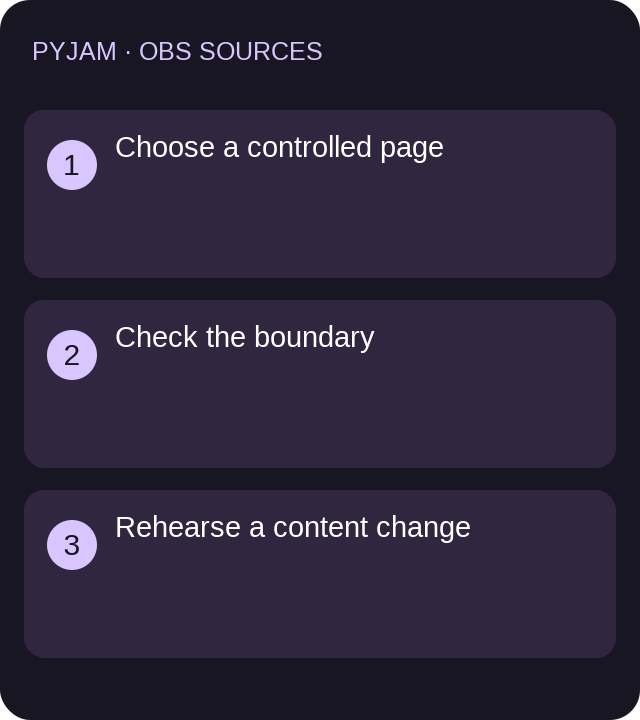
Choose a controlled page
Use a page you are entitled to display and keep private account content out. OBS browser sources load web content inside the scene. Identify the part that matters and the intended source dimensions. Do not treat it as an ordinary browser window with identical controls or state. A public page that works in one browser may arrange itself differently in the source's available space.
Check the boundary
Inspect the top, sides and bottom of the useful content in a recording. Look for wrapped labels, hidden controls and missing lines. Change the source size deliberately, then repeat the check before scaling it in the scene. Enlarging a cropped source on the canvas does not recover content that was outside its own layout area. Keep the original arrangement available for comparison.
Rehearse a content change
If the page updates, test a short and a long realistic example using your own material. Keep essential information readable without relying on a perfect short label. Prepare a simple local alternative if remote content is unavailable. Do not add a third-party widget merely because it appears in a tutorial; its access, behavior and suitability still need checking for your session.
Browser-source sheet
Write page purpose, source dimensions, scene size, longest tested label and fallback. Note whether the complete useful block is visible in the composed recording. Example: short heading fits but a longer item hides its final line. Keep credentials and private URLs out of the worksheet. Recheck after changing the page layout or the space it receives in the scene.
Try the check in Pyjam
Open Pyjam’s preparation route and inspect the available setup before choosing to broadcast. Use the rehearsal above to decide what to check; opening the app alone does not start or confirm a public session.
Prepare a Stream in Pyjam