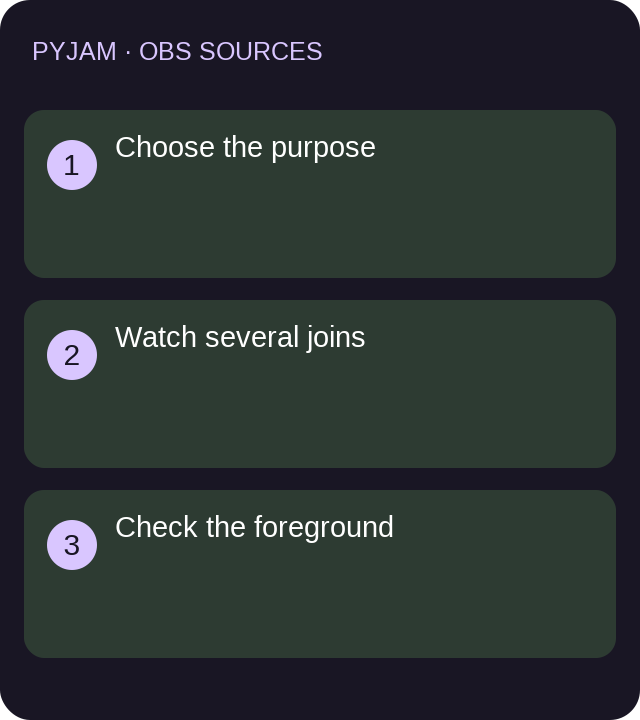
Choose the purpose
Decide whether movement is needed at all. Use your own permitted material and keep an uncomplicated still alternative. OBS media sources can loop a file, but a loop setting does not make the end connect smoothly to the beginning. Identify the boundary and any audio in the file. A decorative background should not silently add unwanted sound to the composed session.
Watch several joins
Record enough playback to see more than one loop boundary. Look for a flash, abrupt movement or a moment that draws attention away from the subject. Check the source's audio state in the actual mix. Do not judge the result from the first seconds alone. Try a calmer source or a still image if the repeating action competes with the demonstration or distracts from reading.
Check the foreground
Place the presenter, labels and objects over the background as planned. Test small text and a quieter passage of speech. Keep useful information easy to separate from moving decoration. Save the accepted arrangement and identify the fallback. Rehearse returning to the scene, since restart behavior can change the timing of a visible join even when an uninterrupted loop looked acceptable during the first test.
Loop review
Record file, rights context, audio state, join observation, foreground readability and fallback. Mark at least two observed boundaries. Example: seam acceptable but repeated bright movement competes with a label; choose a still image. Keep the task outcome more important than preserving the effect. Repeat the comparison if the foreground layout or the background file changes.
Try the check in Pyjam
Open Pyjam’s preparation route and inspect the available setup before choosing to broadcast. Use the rehearsal above to decide what to check; opening the app alone does not start or confirm a public session.
Prepare a Stream in Pyjam