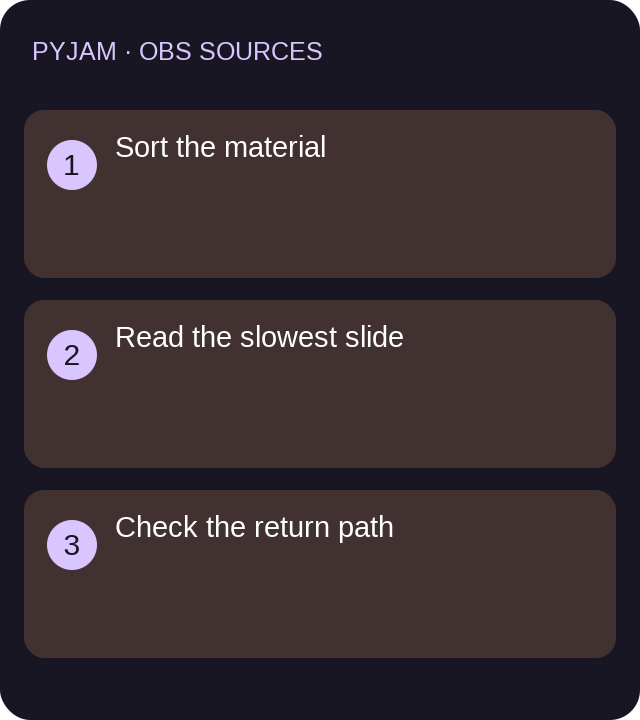
Sort the material
Use images you can display and put them in the intended order. Identify which ones require explanation and which are simple visual context. The OBS source guide includes image slideshows; it does not choose a teaching pace for your content. Keep a plain list of the file order so an unexpected picture can be diagnosed without guessing which folder or sorting rule was used.
Read the slowest slide
Choose the image with the most necessary detail and rehearse its explanation aloud. Watch the composed recording at ordinary size. If the slide changes before the point is complete, change the timing or choose a more deliberate presentation method. Do not base the entire sequence on the easiest image. Include the transition, since it consumes part of the time available to understand the content.
Check the return path
Rehearse entering and leaving the slideshow within the full running order. Verify the first image and the end behavior instead of assuming they match a continuous preview. Keep a fallback single image available. If the speaker needs variable time, use a workflow that supports that need rather than rushing important sentences to fit a decorative sequence with uniform automatic timing.
Slide pacing sheet
Write file order, required point, spoken duration, observed reading opportunity and transition result. Example acceptance: a helper identifies the diagram's three labels before the next image appears. Mark an image that needs manual pacing. Keep the actual files and arrangement together, then repeat the slowest-slide check after adding a more complex image or changing its explanation.
Try the check in Pyjam
Open Pyjam’s preparation route and inspect the available setup before choosing to broadcast. Use the rehearsal above to decide what to check; opening the app alone does not start or confirm a public session.
Prepare a Stream in Pyjam