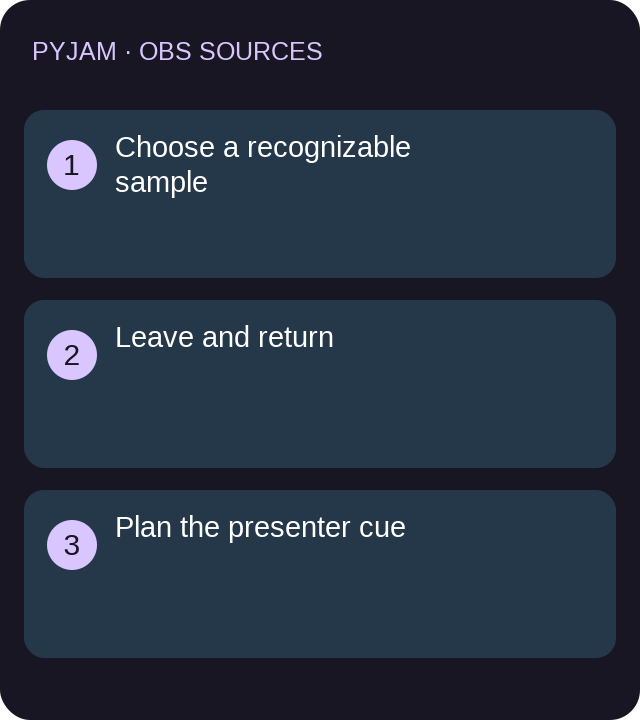
Choose a recognizable sample
Use a short clip you can show, with a clear opening, middle and ending. OBS media source guidance describes playback options including looping and restart behavior. Record the options available in your installation rather than assuming another setup's defaults. Keep the original file accessible and name the intended audience experience: one complete clip, a repeating background or a deliberately resumed segment.
Leave and return
Play the clip locally, move to another scene, then return at the point planned in your running order. Record whether the clip restarts, resumes or remains finished. Listen as well as looking, because an unexpected audio restart can be more disruptive than the picture. Change one playback option and repeat the same sequence so the effect is tied to a specific adjustment.
Plan the presenter cue
Decide what the presenter says before the clip and when speaking resumes. Keep an uncomplicated fallback if playback fails. Avoid improvising an untested return during the session. Inspect the full composed recording so a covered clip or silent source is noticed before broadcast. File playback in OBS does not establish delivery to a separate destination; that needs its own viewer check when intentionally transmitting.
Return-to-scene card
Write clip, intended behavior, option tested, leave point, return result and spoken cue. Example acceptance: the clip starts from its opening only on the planned introduction. Preserve the file location with the scene notes, and recheck after moving media. A scene collection with a source name is not proof that the required file is still available.
Try the check in Pyjam
Open Pyjam’s preparation route and inspect the available setup before choosing to broadcast. Use the rehearsal above to decide what to check; opening the app alone does not start or confirm a public session.
Prepare a Stream in Pyjam